Up next, we've got Thorsten. Okay, and if you don't know who Thorsten Ball is, you should ask your favorite developer who their favorite developer is, and odds are it's Thorsten. Okay? Thorsten is, one of the clearest thinkers in, in this space and has been for a very long time. Okay? He's written a couple of books, writing an interpreter in Go, writing a compiler in Go. So, I have seen people here with their books getting Thorsten to sign them. Now these days he spends his time thinking about, writing about, and writing software for, his new company that he co-founded, Amp. So, he's going to talk to us about Amp today. Previously, he's at Sourcegraph. Previously, he's at Zed. So, he's been in developer tooling for an incredibly long time. So, this is someone with a deep well of expertise that's going to help us think more about the frontier. So, all the way from Germany, please welcome Thorsten
here we are. It's nice to be here. This is my first Laracon, and I know this is talk, and you shouldn't use too many F-words up here, but I just want to say it's fantastic to be here. just phenomenal, you know? so today I want to talk to you about how I prompt, how I prompt coding agents specifically. The problem with a lot of people who talk about AI is, of course, when you ask them, "What have you shipped?" the answer is, "Well, goes to a different school, you wouldn't know it, blah blah blah, it's hard, I can't talk about it." So, to establish my credentials a little bit, I'm one of the co-creators of Amp, which is a coding agent that came out last year, couple of weeks after Claude Code. We were one of the first, and a lot of people call it polished or high taste. Aaron actually told his wife that it is a delight, which, pretty good thing to hear. And
This was our TUI last year. It's evolved tremendously in the last 6 months.
So, now it looks more like this. It's a full-blown development environment. You can spawn orbs, which are sandboxes, and you can run agents in them. You can remote control agents running on your Raspberry Pi, your fridge, your lawnmower, wherever you want. You can preview stuff. You can do a lot of things. People call us to quote, again, I'm not bragging. I'm getting to a point here. I'm not just saying this to brag. People call us the Porsche of coding agents. And a guy on Twitter doubled down and was like, "No, it's the Ferrari of Porsche coding agents."
So, it is one of the most complex distributed systems I've worked on, and I worked on some interesting things over my career. Here's the kicker. Here's why I'm saying all of This is 99% written by AI. Nobody in our team really writes code by hand anymore. I certainly don't. I did a poll 2 weeks ago, and I asked the others on the team, "How much code do you write by hand?" You know, I started with 99 Sorry, by AI. 99, 95, 90, and less. Camden was like, "I think I write 10% by hand." And I'm like, "Really?" And he's like, "Ah, no, not really." So, it's a complex product that's beloved by many. I would say it's not slop. So, today I want to talk to you about how I prompt, like how I built Amp, or built large parts of it. Today, I'm going to reveal to you the effort that goes into prompts like the discipline and training that makes this happen, technique, artisanship, you can call it, maybe. The obsession and methodology.
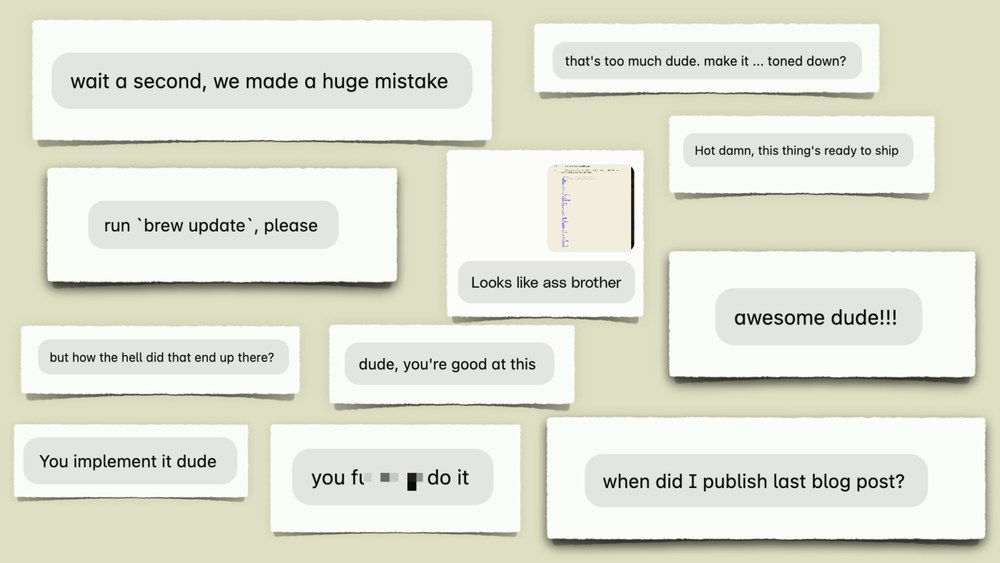
All of this, finesse, I guess. To be honest, I think let's call it what it is. This is engineering, right? This Look at this stuff. at the end of this talk, I promise you you will be able to prompt like this. I'm just kidding. This is the end of my talk. This is how I prompt. Thank you very much. No, my prompts my prompt actually look more like this.
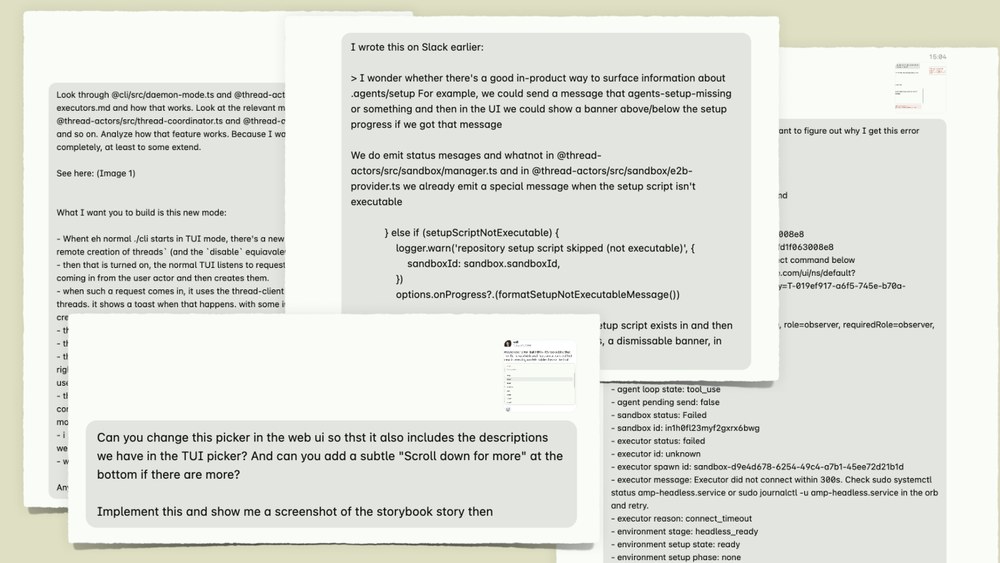
Pretty text-heavy. The good news is it's pretty Oh, let me go back. Sorry, let me go for Oh, sorry.
Sorry. Sorry. There you go. It's actually pretty boring how I prompt. So, I don't use any MCP servers. I don't have to. I use one or two skills. I don't use any frameworks. I don't have any, custom slash commands set up going on. everything you see in this talk is something that you can do at home. Ideally with Amp, but, you can do it in other coding agents, too. There is no secret sauce. There's no magic keyword, really, except while researching for this talk, I look at the last 2,000 prompts that I sent. It turns out there's this one word that I as a non-native speaker have never pronounced or said out loud in my life. Yet I keep using it in every thread when I talk to an agent.
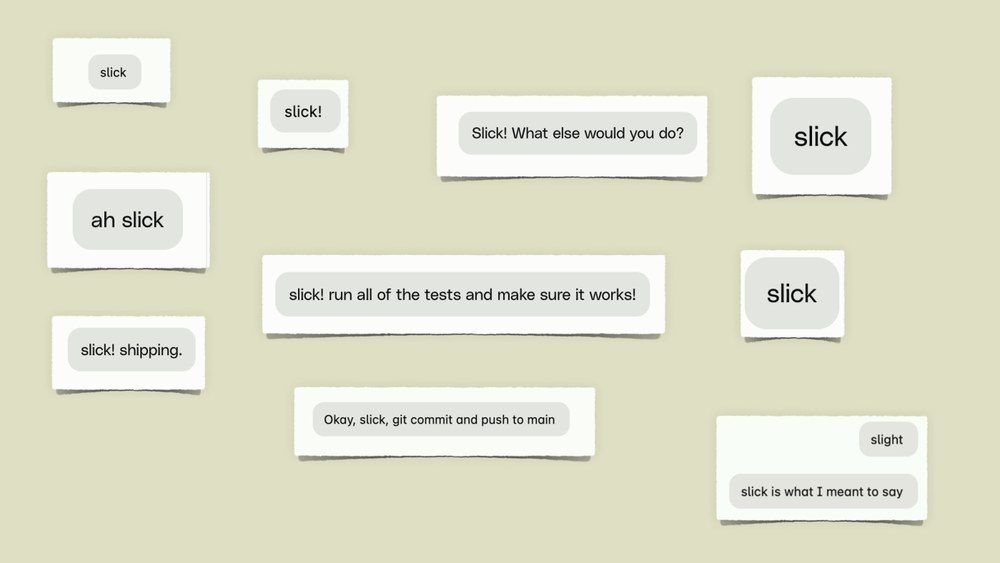
It's ridiculous. Like it showed up in every conversation I have. I mean, look at this. I even spent extra money to correct what I said just to get it in there again. So, maybe this is the magic keyword, right? But if there is such a thing as a magic little trick, it is this question.
This is the one thing that I want you to take away from this talk. This is the one thing that I want you to ask yourself when you write a prompt. I don't mean in the existential way that you have to, bow your head in front of the desk and wonder, "Where does information come from?" But what I mean is when you write a prompt, you're talking to a large language model. What you have to think about is how is the model supposed to know what I mean? You know? A coding agent under the hood is just a large language model that has a context window. Like it's magical. Don't get me wrong. I'm not saying it's a stochastic parrot or anything like this. But it is at the end of the day just a a long piece of text that you send to a model and gets completed. So, if you ask a model to do something, the information with which it can interpret what you're saying, your prompt, can only come from a bunch of places, right?
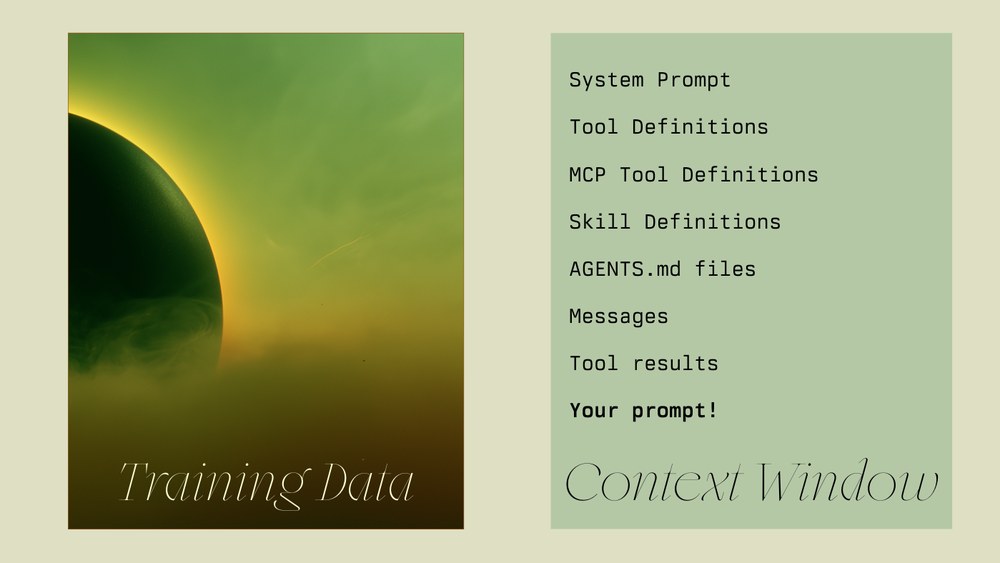
On the one side, we have the training data. That's as we know, the observable internet or all of the books or all of Stack Overflow, like all of this. Then, here's the more interesting stuff. That's the stuff that you can influence. The context window. So, in the context window goes your system prompt, the tool definitions, the MCP tool definition skills, agents, messages, meaning the whole conversation, the tool results, so everything that the model executed, every tool call that it issued. The results are in the context window. Most importantly, your prompt.
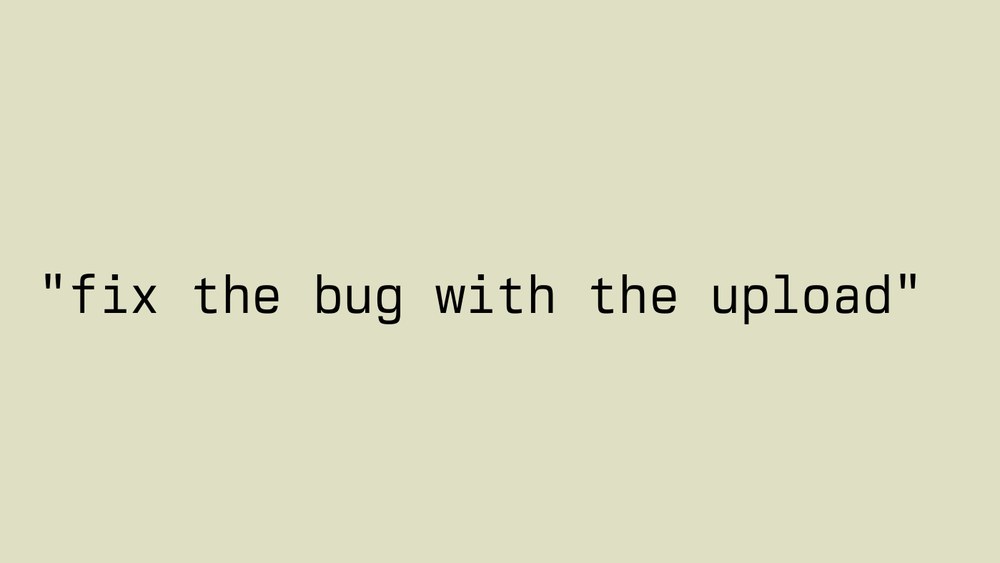
So, if you write a prompt like this, how is the model supposed to know what the bug is or what the upload is? If this is your entire prompt, and your code base doesn't have an AGENTS.md file where you clearly define what the bug is or what the upload is, it won't know. But, it's not like us. It won't say, "What the hell are you talking about? What bug? What upload?" It will say, "You're absolutely right. I'm going to fix the bug with the upload." And then, it's going to do whatever it thinks that is, right? So, here's the mental model that I want you to use.

Imagine this, and I hope this doesn't hit too close to home for some. You're a senior engineer. You've done it all. You've worked Windows, Linux, Unix, macOS. You've done back end, front end, client. You know all the languages. You've read Stack Overflow. You got the most points on Stack Overflow. You can invoke an anonymous function every language known to anybody, right? Then, one day you walk to work, and somebody snatches you off the street, throws you in a van, puts a hood over your head, drives you somewhere, and then suddenly, hood is pulled off your hat and you find yourself in a room where there's nothing in front of you except a desk, and on that desk you see a computer, and on that computer there's a code base open in a text editor, there's a terminal, and a web browser. Then magically, or tragically in this case, somebody hands you a note, and on that note it says, "Fix the bug with the
You know? That's what the model experiences. So, when you write a prompt, you have to think about the reader. The goal of all writing is to be understood. If you're not practicing touch typing, you want the reader to understand what you're saying, right? It could be commit message, Slack message, text message, pull request message, or a prompt to a model. Every time you write something, you have to think in a loop, what does the reader know, and what do I need to tell them? What is the information they're missing? So, when you talk write a prompt, you're talking to a model, it's the same thing. You have to wonder, how does the model know what I mean? Where's the information supposed to come from? Is it the training data? Is it in the context window? Is it in the code base? Is it in my prompt? So, again, if you take anything away from this talk, it's this. It's this mental model of where's the information supposed to come from. In the rest of this talk, we're now going to look at some of my prompts that I write. This looks scary, but it's not, right?
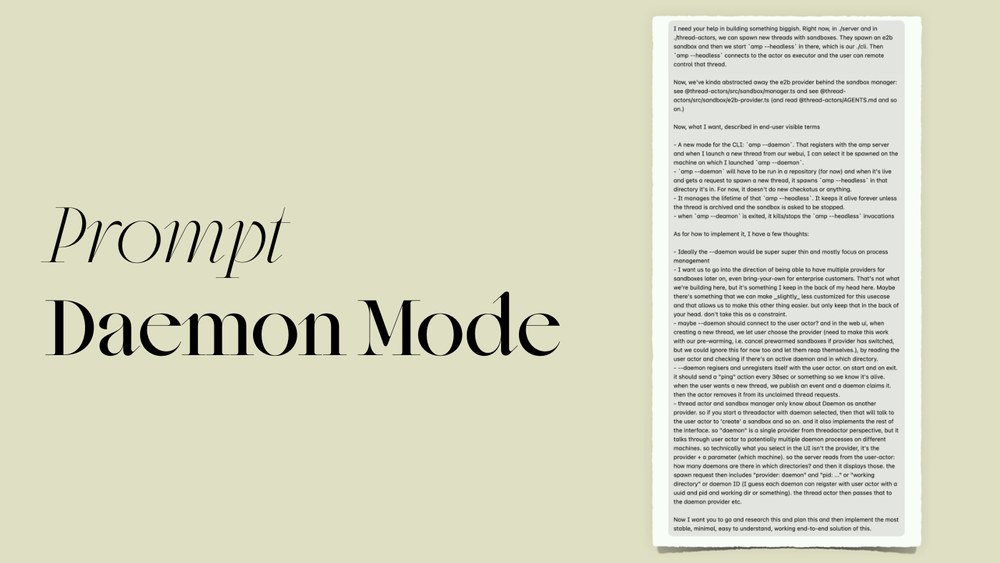
So, this is a prompt that I used to build a feature called daemon mode, which allows you to run Amp headless on multiple machines, and you can remote control them. This is pretty big. This is probably one of the biggest prompts. I can already This is a spoiler. I can already tell you I don't always write prompts like this, right? But just to drive the point home, look at this.
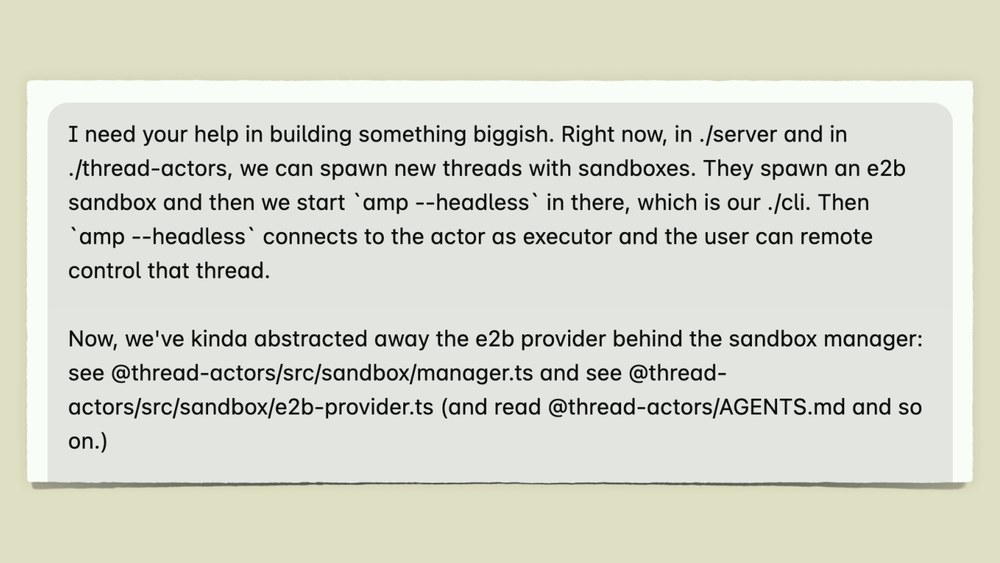
This is the start.
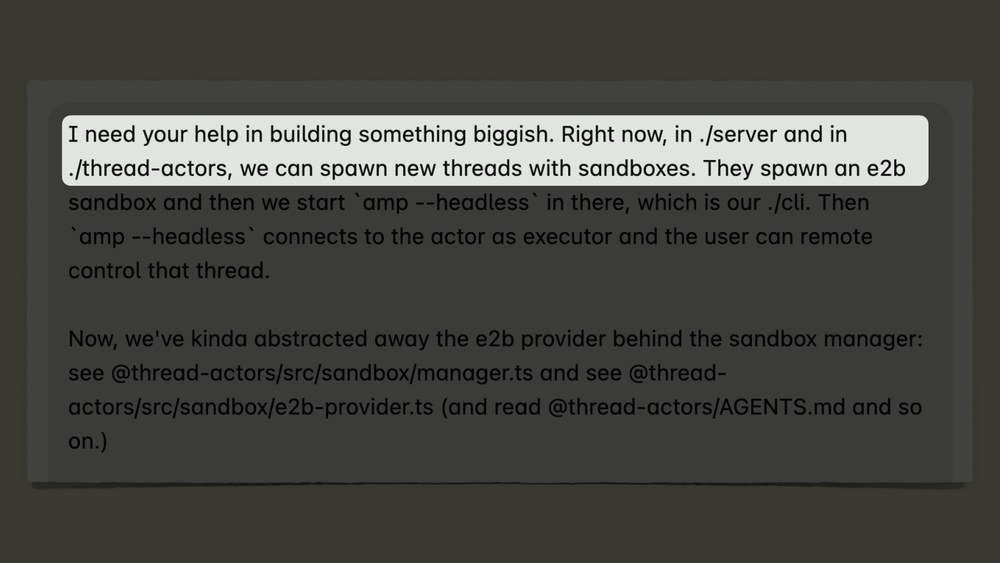
I start out by saying, "I need your help in building something biggish." Right now, in server and in thread actors, we can spawn new thread and sandboxes. So, I pointed at two directories.
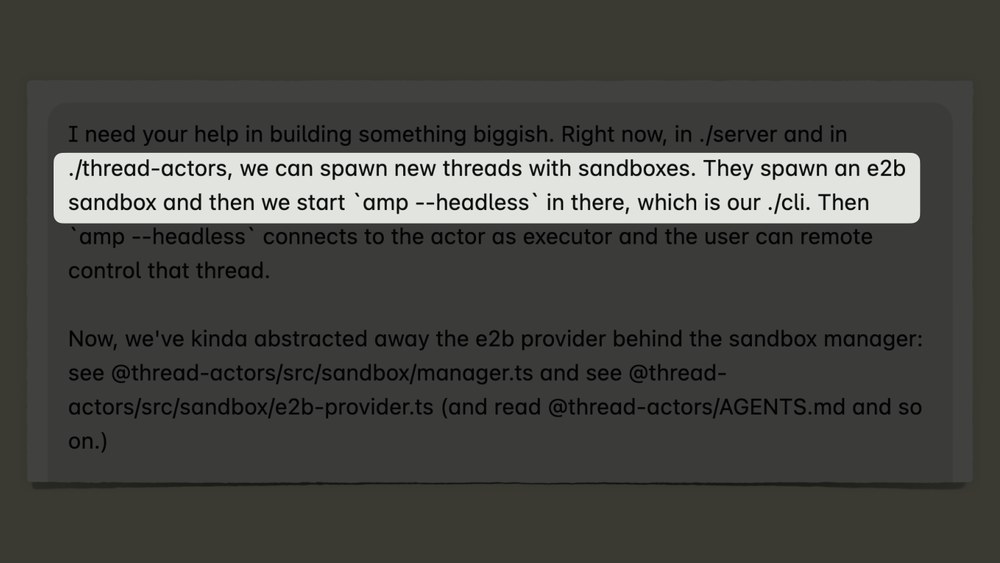
Then I say, "They spawn an E2B sandbox. We start amp --headless, which is our CLI. So, I say, in this folder is our CLI, that's this process.
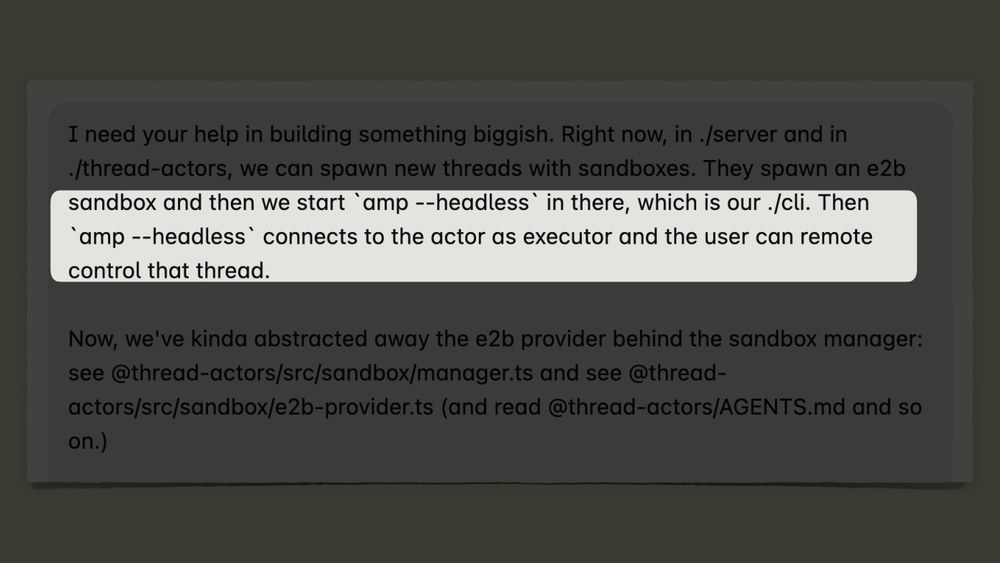
Then I say, then it connects to this, and then the user can remote control it. The details don't matter, but after this paragraph, I already pointed the model at three folders. This is where the information lives. This is roughly how they connected.
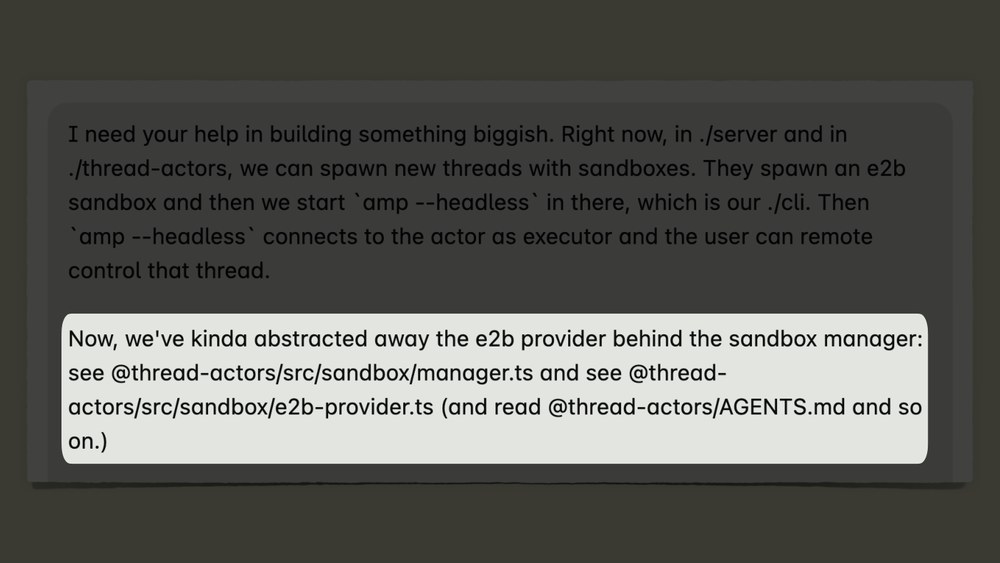
Then the next paragraph, I say, "Well, now we've kind of abstracted away the E2B provider behind the sandbox manager. Look at this file, look at that file, and read those docs." So, again, three sources of information, right? So, you have two paragraphs, three folders, three files. This is what I would tell a senior engineer if I were to ask them to build this feature for me. Here, look at this stuff. This is this is what in my head, this is what I know about this. Please look at this.
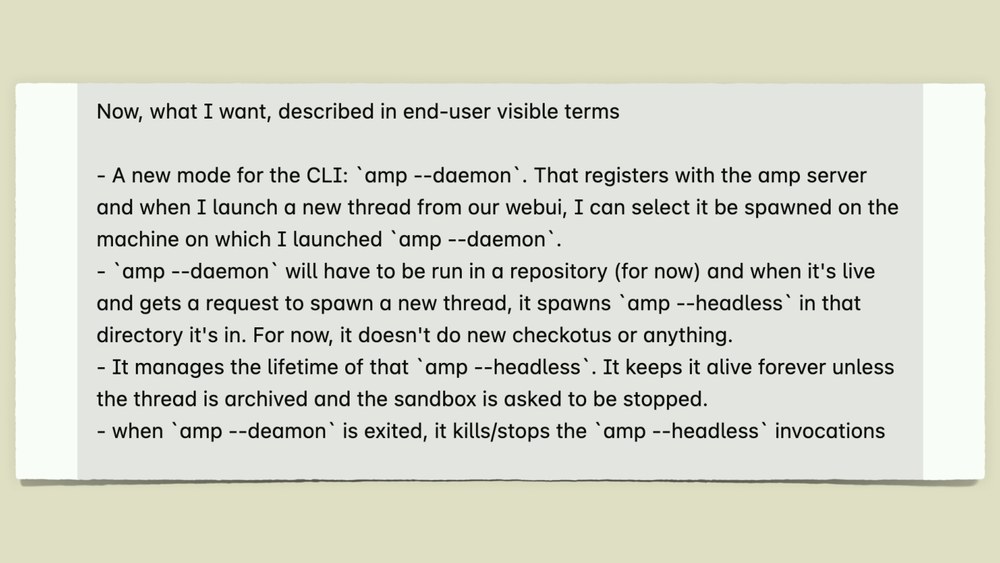
Then I go on further down, and I just spell out what I think the feature should be. So, I say, "I want a new mode for this CLI called amp --daemon.
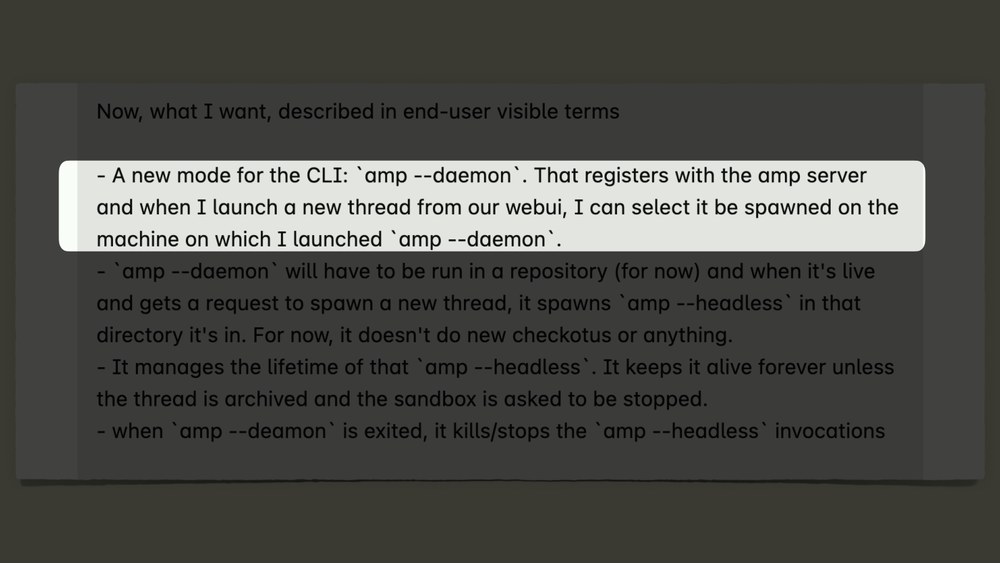
It registers with this. When I launch this, it should do this, and then it should do this." Again, details don't matter.
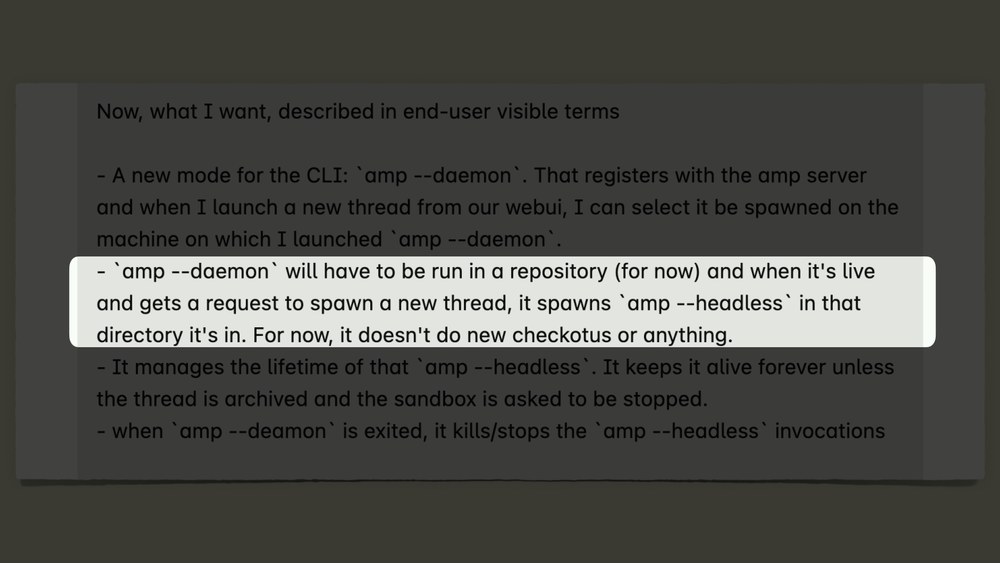
The point is I'm spelling out how I think it should roughly work, because that's information in my head, right? So, then I say, "It should be in a repository. We don't don't don't do checkouts, no work trees." Because again, that's a constraint. How would it know that this is a constraint if I wouldn't put it in there?
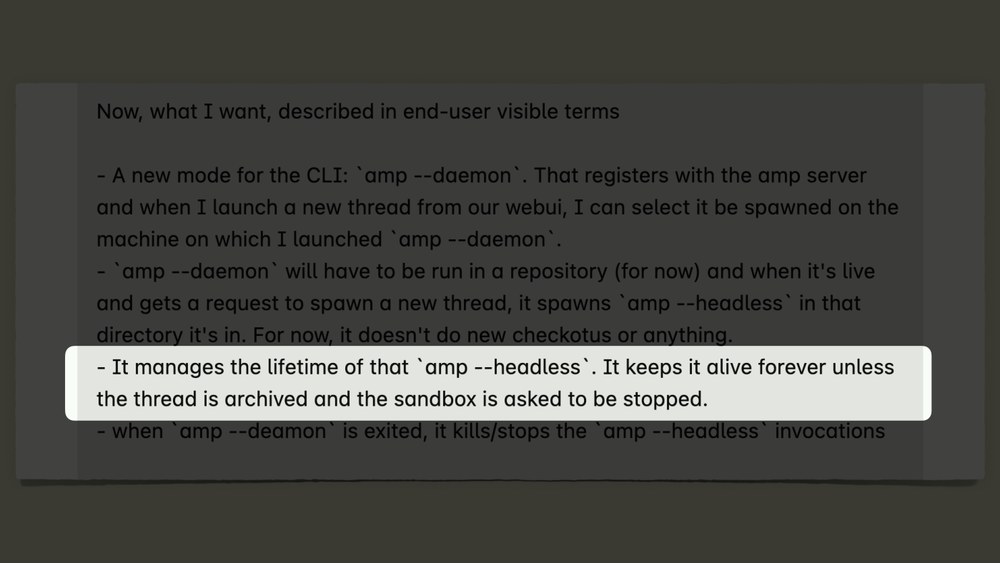
Then I continue and say, "It should manage the lifetime of the process." Again, a constraint.
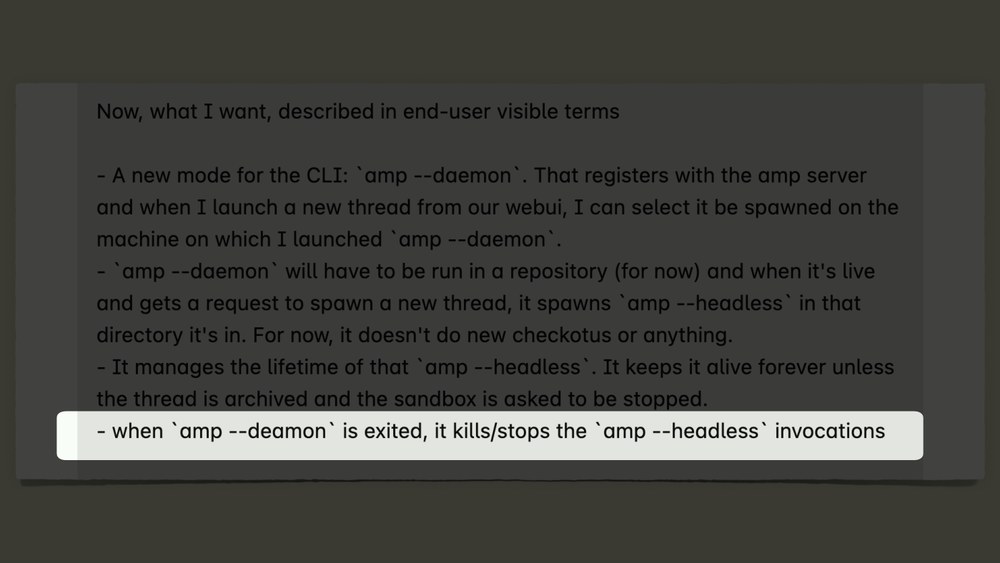
Then when it shuts down, it should kill all of that.
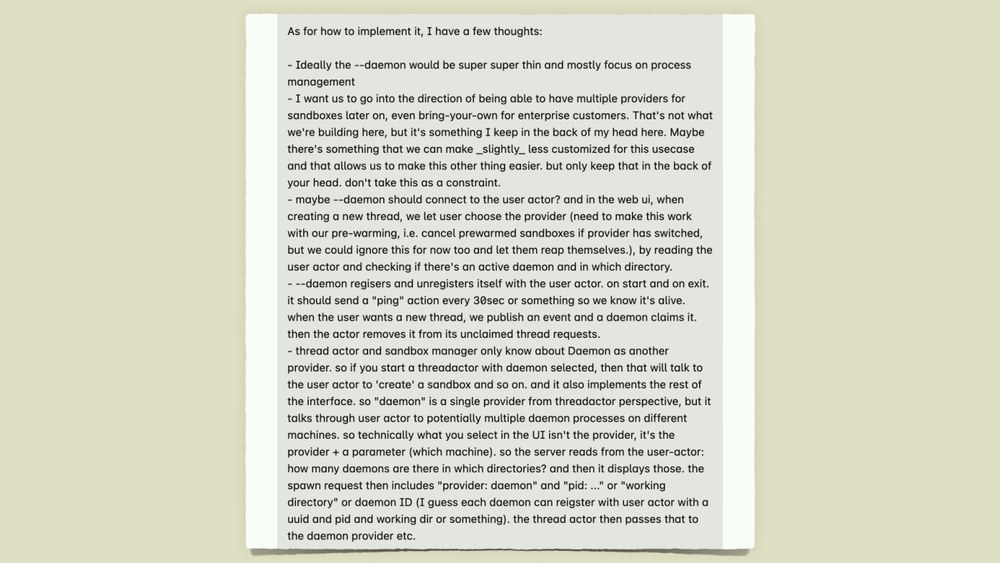
Then I follow, and this is pretty wild to talk about this on stage, actually, because I start by saying stuff like, "It should be super super thin and mostly focus on this."
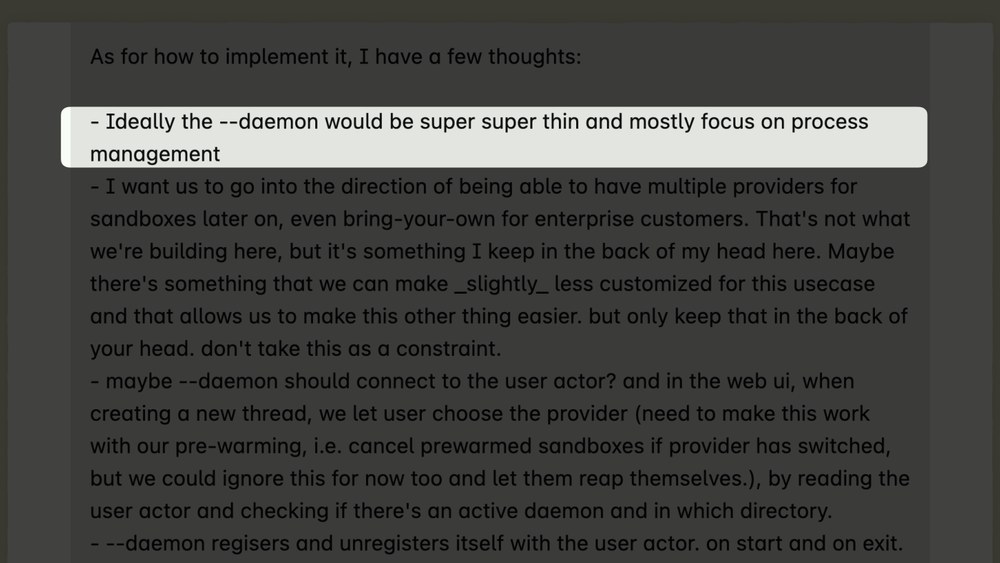
I used Fable for this prompt, and it handles this stuff super well, but obviously this is a little bit vague, but it's just stuff that's in my head, right? It's information that I wanted you to get out and the model to know.
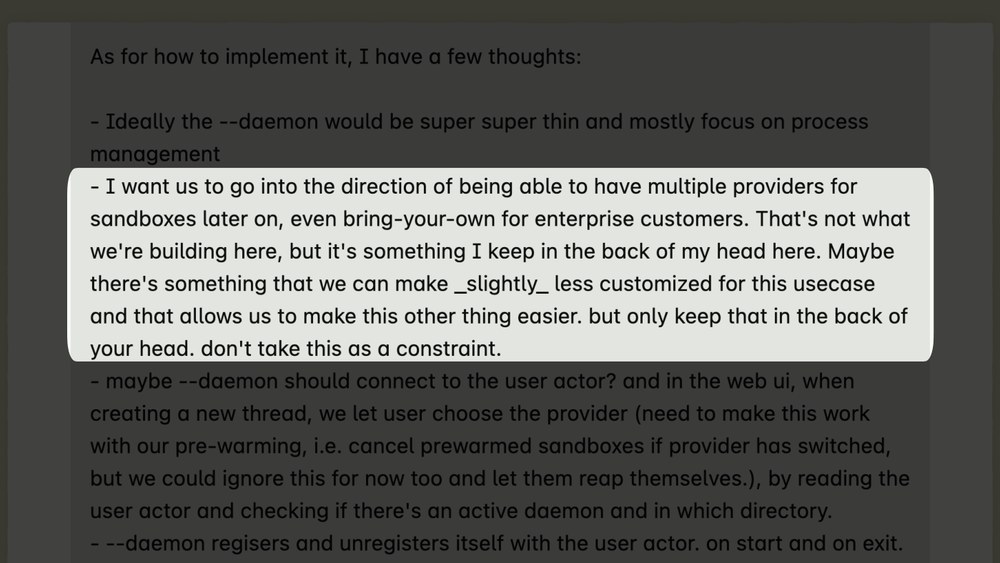
So, I then also said stuff like, "I want us to go in the direction of this." And then I say somewhere here, "This is something I keep in the back of my head. I want you to keep it in the back of your head, which I don't know, it worked, but maybe strange, right?
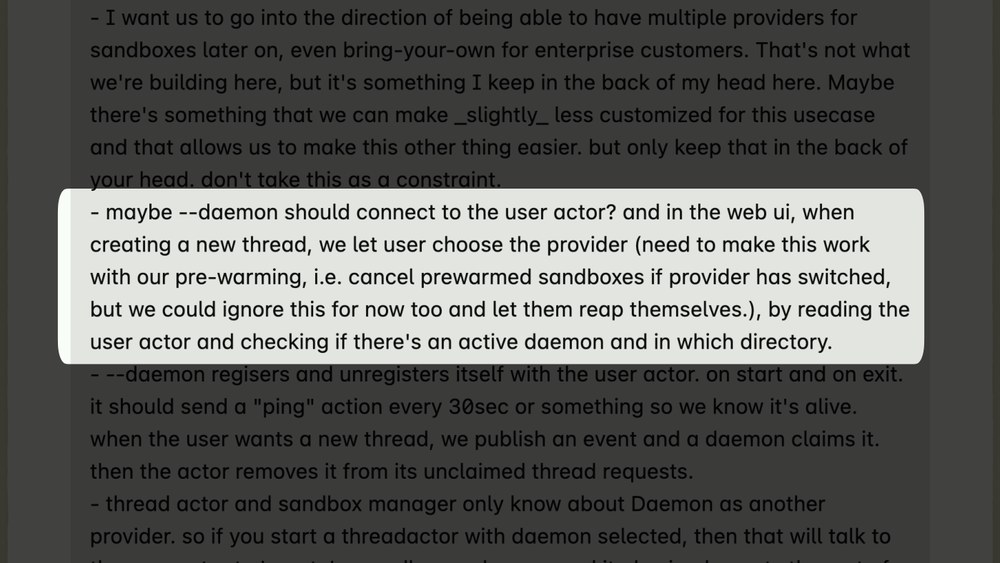
Then I say, maybe it should do this, And then I follow up with a bunch of other stuff.
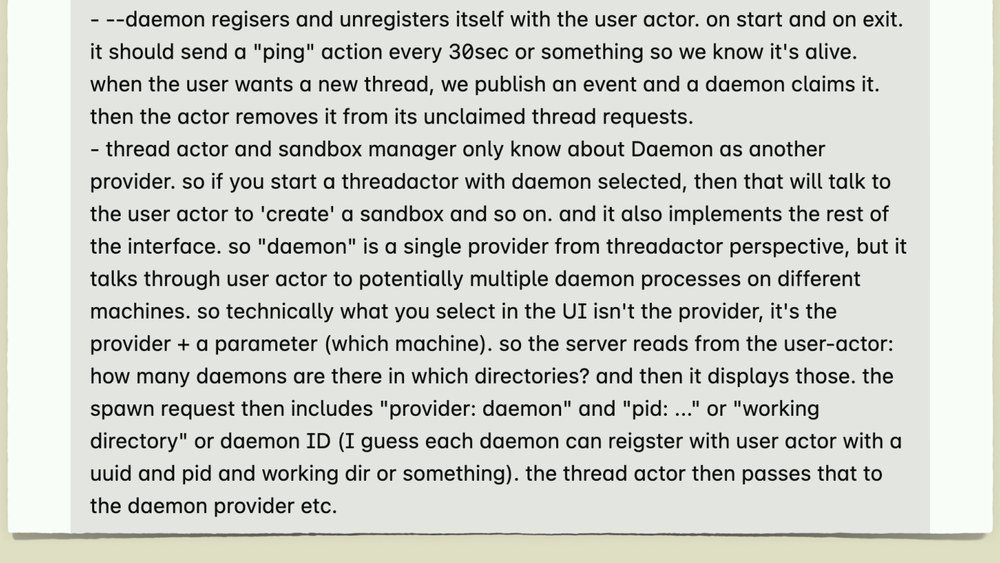
The point here is this is all stuff that I know or think I know about how it's supposed to work, but I know that the model doesn't have this information, right? This is not in the training data, it's not in the code base, it's not anywhere else. So, I put it in my prompt. It worked.
Or apparently, as I like to say, [snorts] this, which is weird. But then 2 weeks later, we wanted to change the feature.
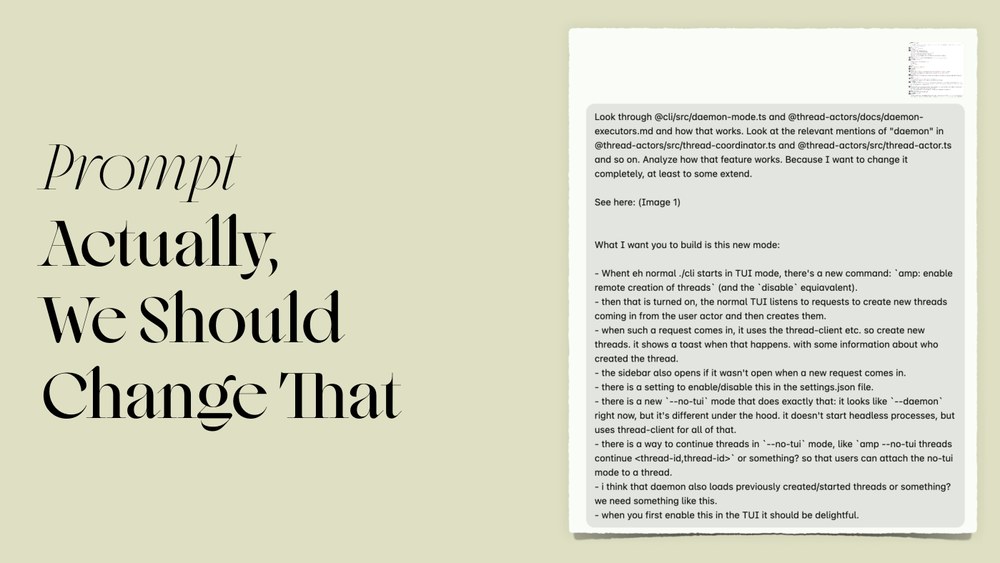
So, now we have this big feature, but I didn't like it, so I wanted to change it.
So, how did I do it?
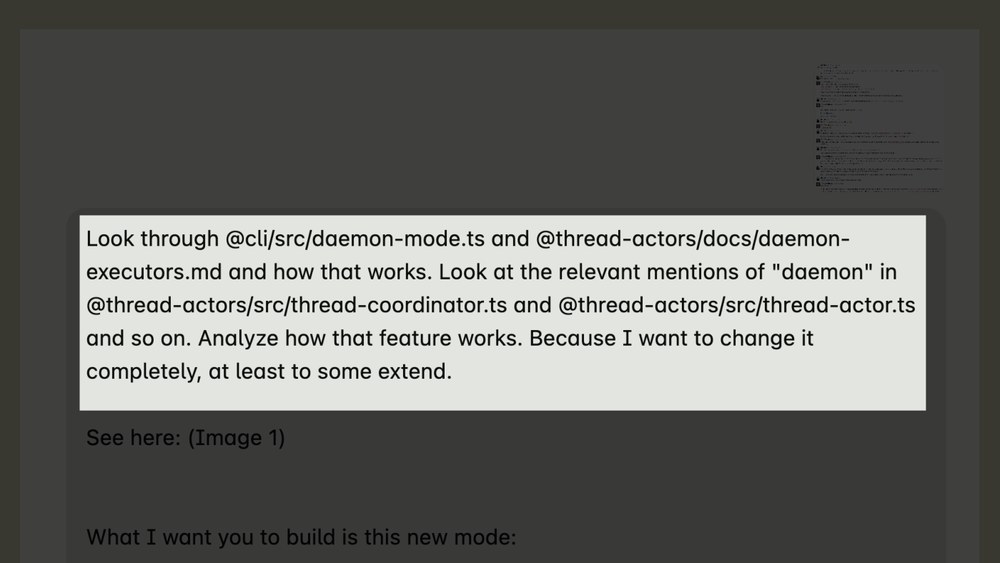
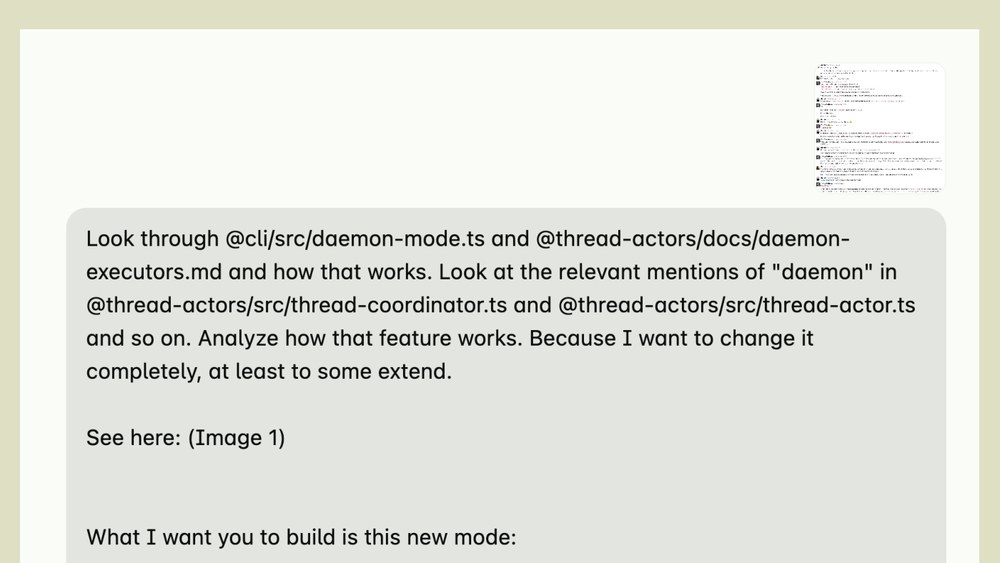
I started by writing here, look through this file, look through that file, how it works, and look at dimensions of this in this file, analyze how it works, and then because I want to change it completely, at least to some extent, which doesn't even make sense. But I pointed at sources of information, right? I know that the information of how the feature works is supposed to be in these files and this doc, so I point the agent at it, because otherwise, how's it supposed to know?
Then I do this and say, see here, image one, which is a screenshot that I attached to the prompt, and guess what's This is a screenshot of a long Slack conversation.
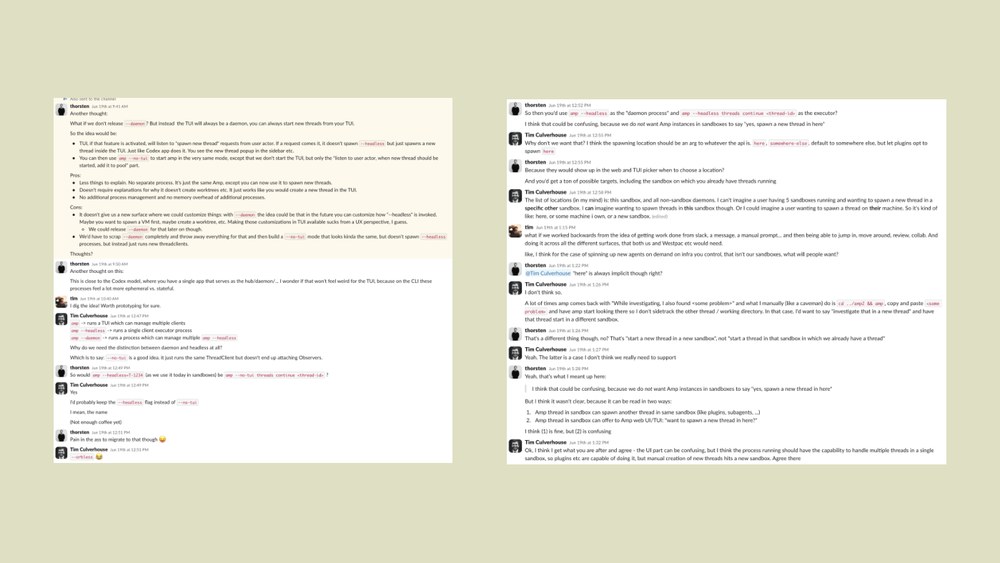
You don't have to read this. This is just a conversation between me and the two Tims at Amp about how we think the feature should work. The point here is not like the contents, but the point is if you were senior engineer, I would ask you to build this, I would also link you to the Slack conversation and say like, oh, the information is in here. This contained a lot of information, so that at the end of the prompt, I only again had to spell
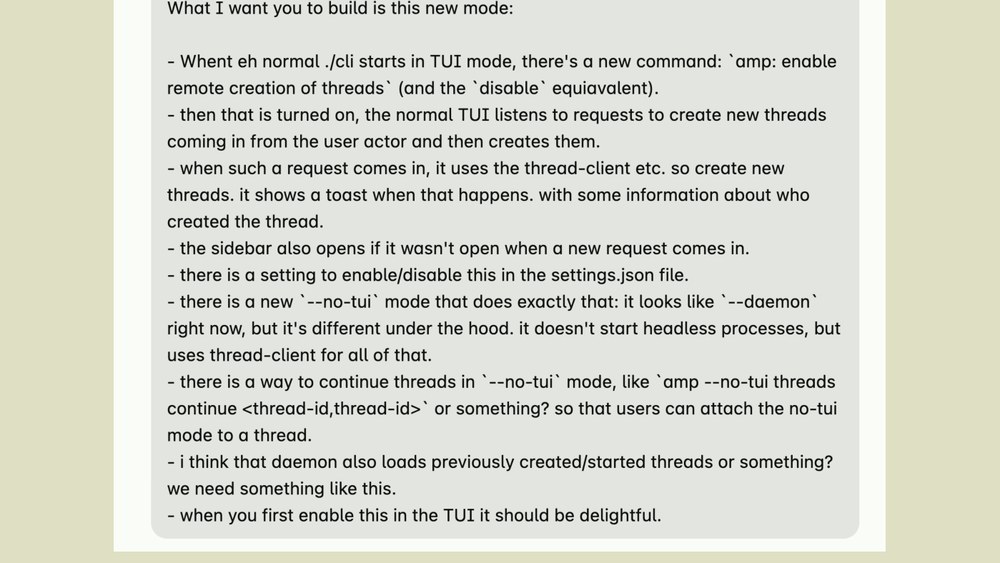
out like, this is how it should work, with a lot of typos, here, you start to see a light, then it does this, and it connects to this, blah blah blah. This worked.
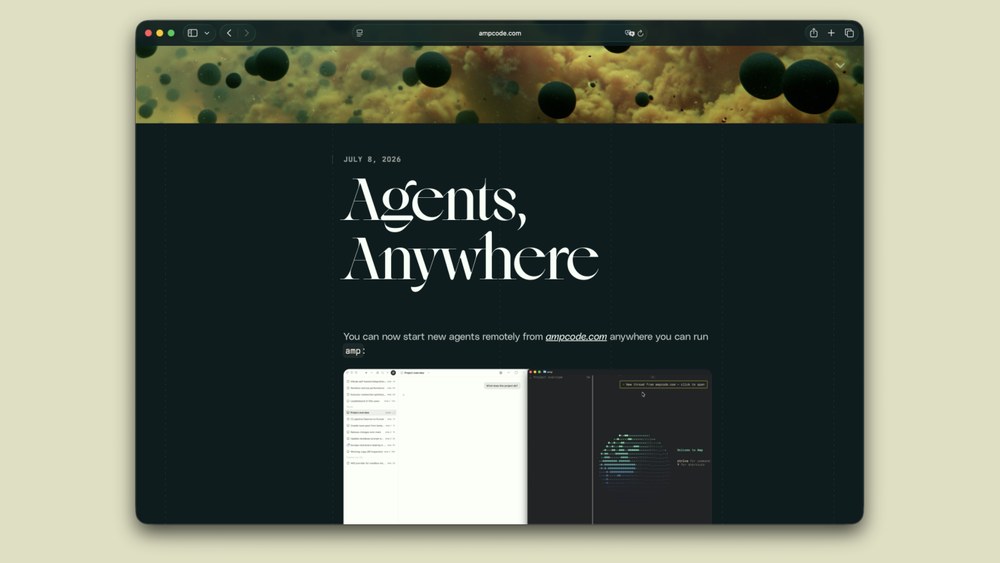
We shipped the feature, you can now run agents anywhere. It did it. That was a good prompt, you know?
This is what we say, or I say. In here, now the first two prompts are big prompts. I can put all of the information in the prompt. You don't always have to do this.
I said there's no techniques in here, but I tried to coin a term. I call this the one-two punch. so, if anybody ever refers to it like this, I coined it right here, right now. I just want you to know this.
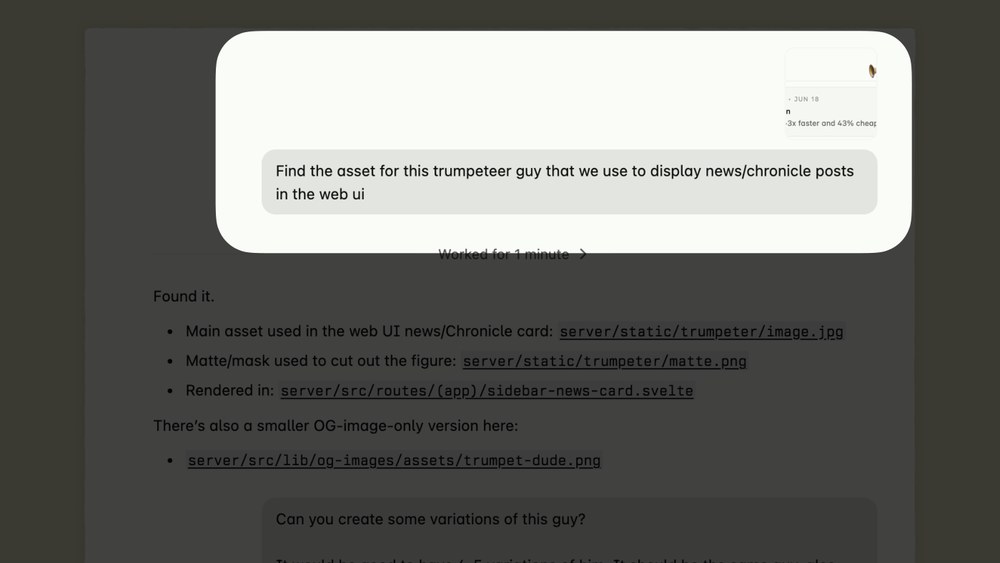
So, instead of putting everything in the first prompt, I ask it to find the information. I say, "Find the asset for this trumpeter guy that we use to display news and chronicle posts in the web UI."
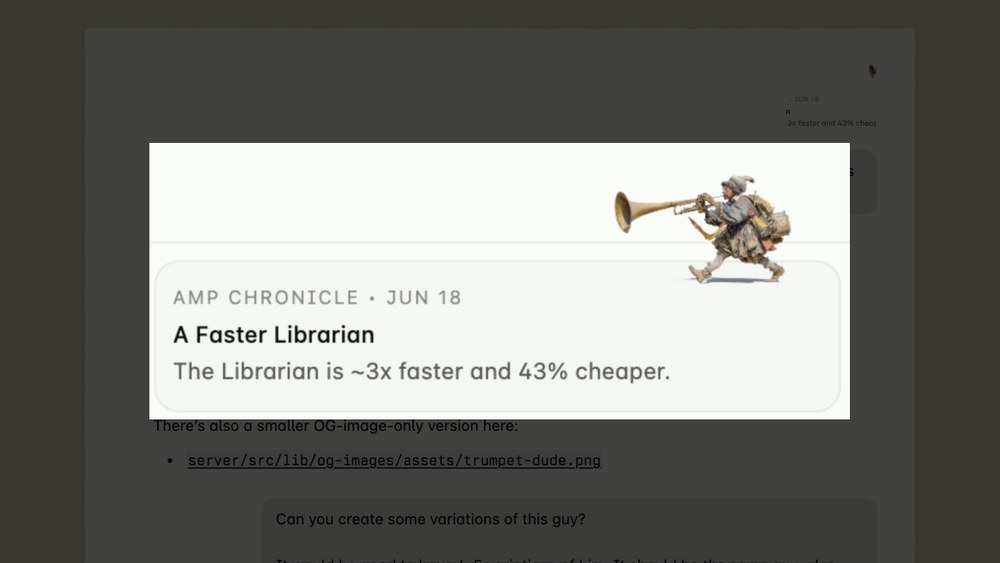
Then the screenshot attached is a screenshot of this. I was pretty sure that it could grab the Amp chronicle, which is a fixed static string, and find out where it is.
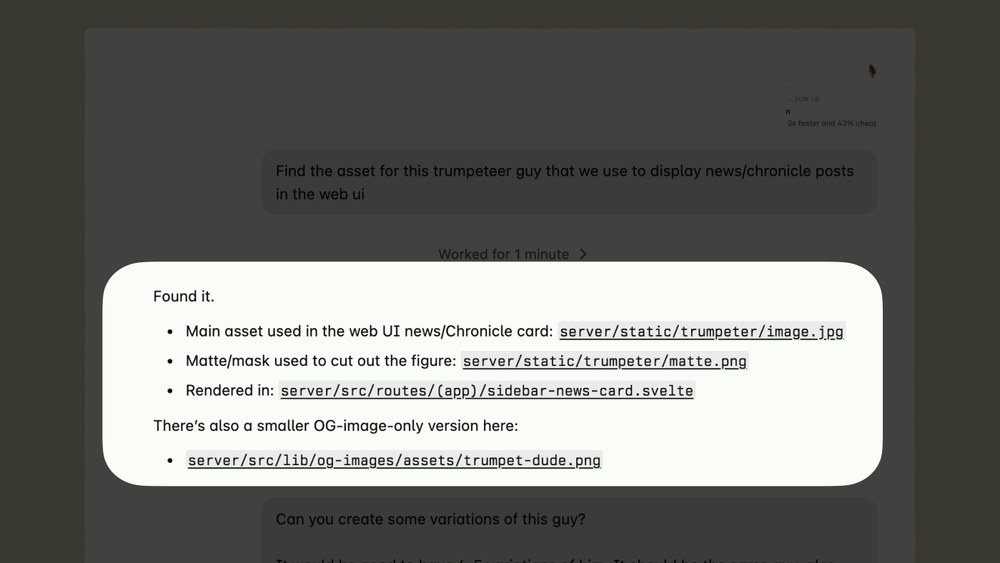
Turns out yes, it could. It found it. Look, now now in the context window we have like where the images are. We have the swell component. We have a different OG image version. It's all in the context window. Then I can make my ask.
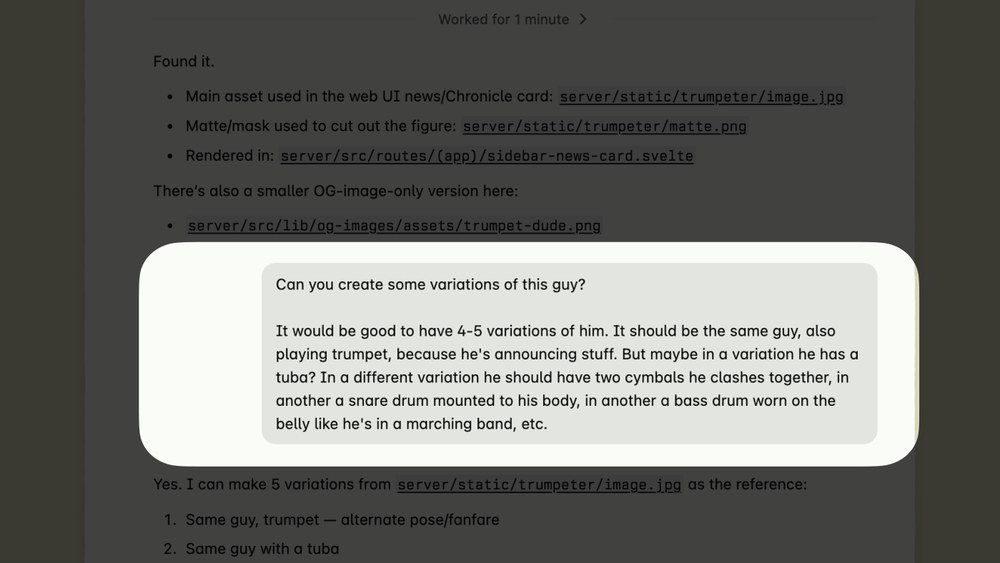
Then I say, "Can you create some variations of this guy? Four five variations. Instead of a trumpet, it should have What is it? a two symbols and bunch of other stuff." And it says like, "Yeah, I can do this.
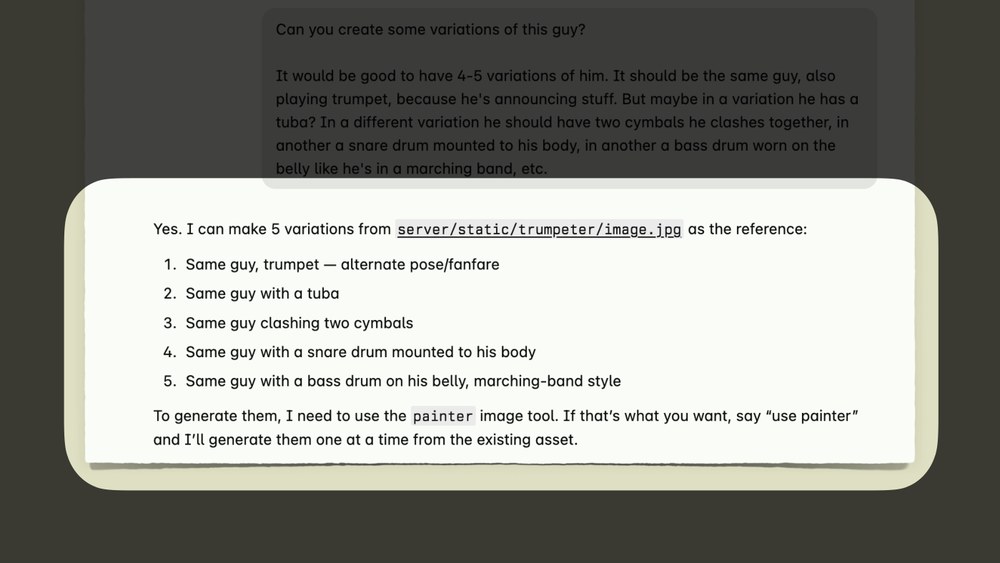
I know where it is. I can change this. Should I use the painter?"
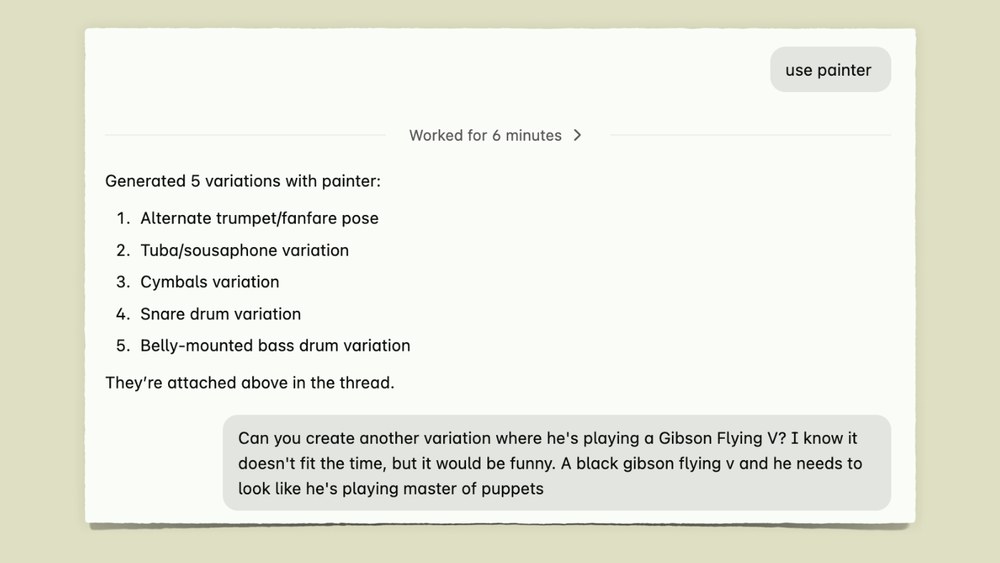
The painter is a thing we have in Amp, like a tool to generate new images. I say, "Go ahead, use it." Worked for 6 minutes, created variations. Then I say, "Can you create another one where he's playing a Gibson Flying V, and it should look like he's playing Master of Puppets." And it worked.
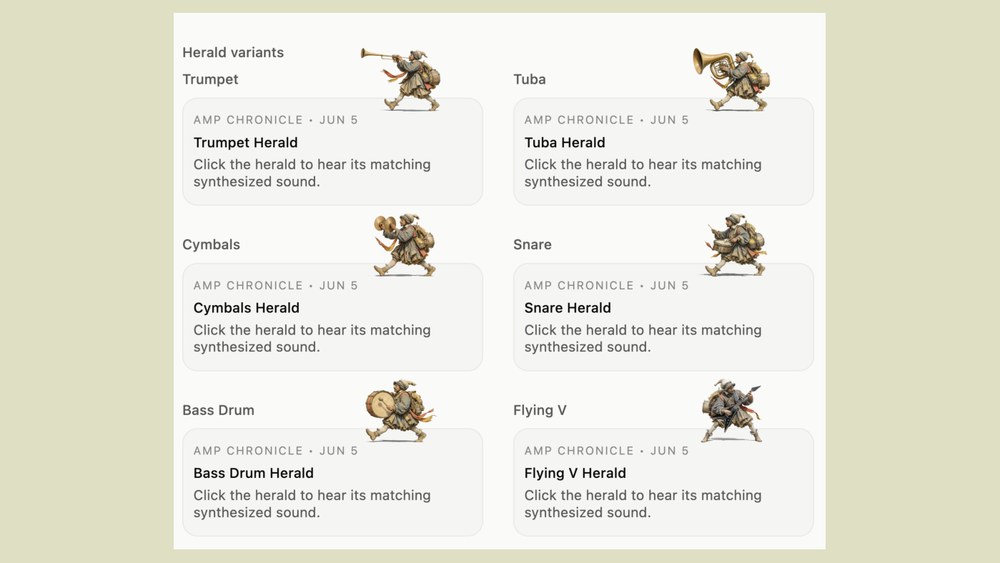
It actually did like the Gibson Flying V. That was a good prompt.
Exactly. So, slight twist on this.
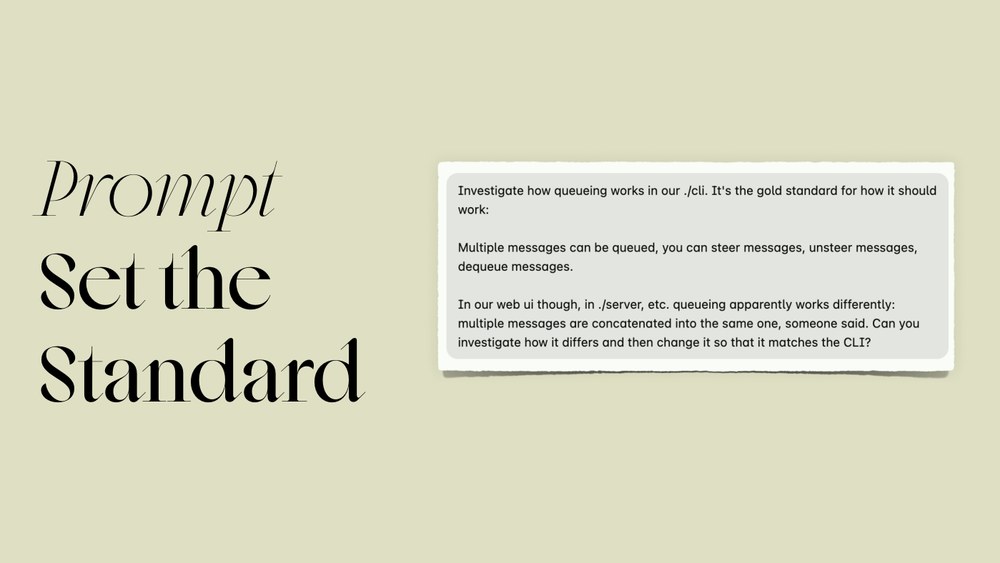
We had In Amp, you can queue messages. You can steer messages. But the web version didn't work correctly. The CLI version did. So, I wanted to fix the web version.
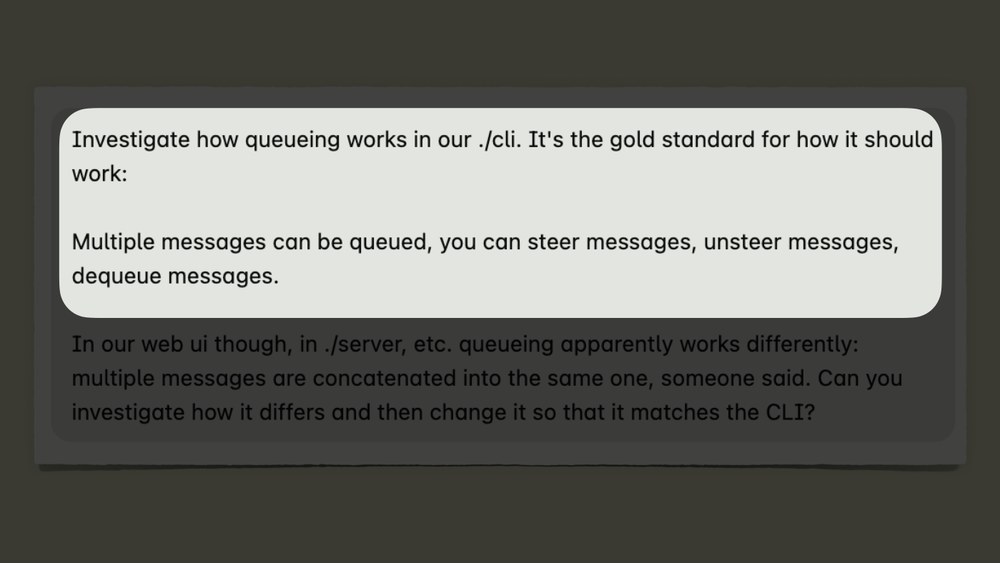
So, I started my prompt by saying, "Investigate how queuing works in our CLI. It is the gold standard for how it should work." Right? I pointed at the the and said, "This is This is what good looks like." And then I say, "Messages can be queued. You can steer them. You can unsteer them. You can dequeue them." So, that means I kind of tell it I'm interested in not like how it looks or formatting or anything like this. I'm interested in a mechanism. Then, once it knows this, I make my ask and say, "Well, the web version is kind of not working.
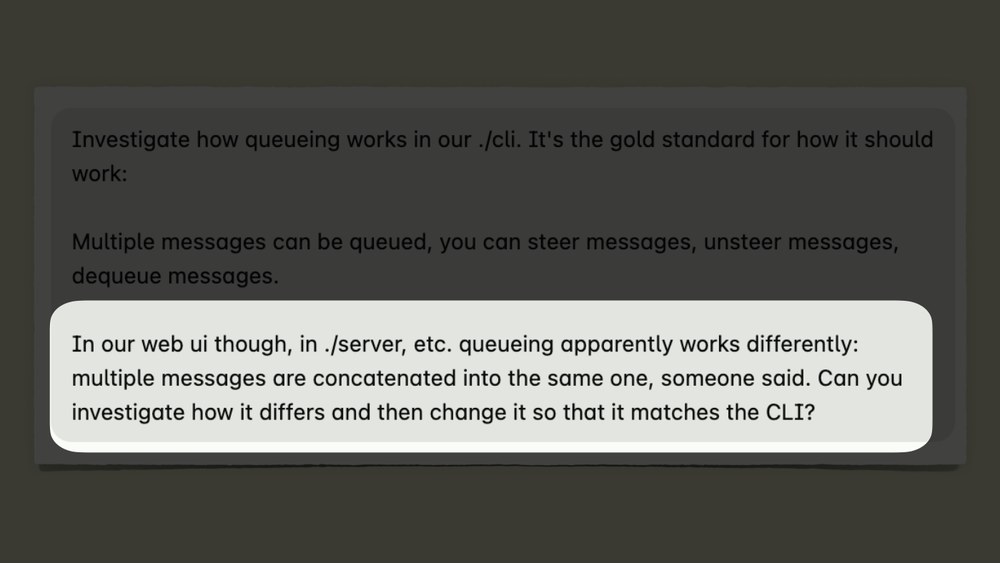
I want you to investigate and make it so that the CLI works." So, I say, "This is what information is. This is the gold Now, make this other thing work." If I hadn't done the first thing and said like, "Our web queuing is kind of broken." The question is, what would it have done? Would it know what broken looks like? What good looks like? So, I had to point it at it. So, at this point you're going, "Okay, I get it.

Information has to come from somewhere, but dude, Thorsten, I'm not going to write all of these prompts by hand. It's too much text." And I get it, right? So, let's talk about how we can make this easier by showing [snorts] you more text.
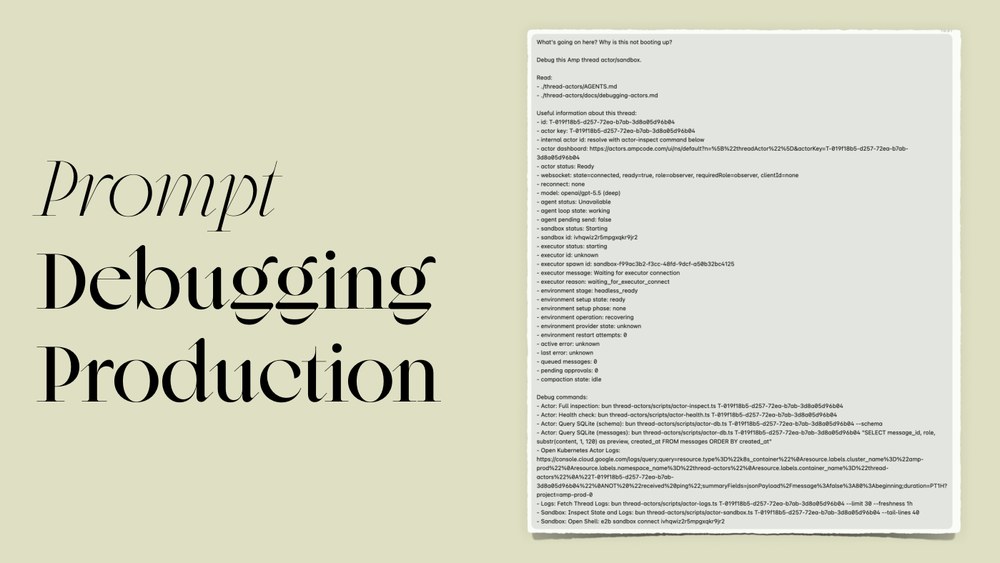
So, this is This is how we debug stuff in production. I debug stuff a lot in production.
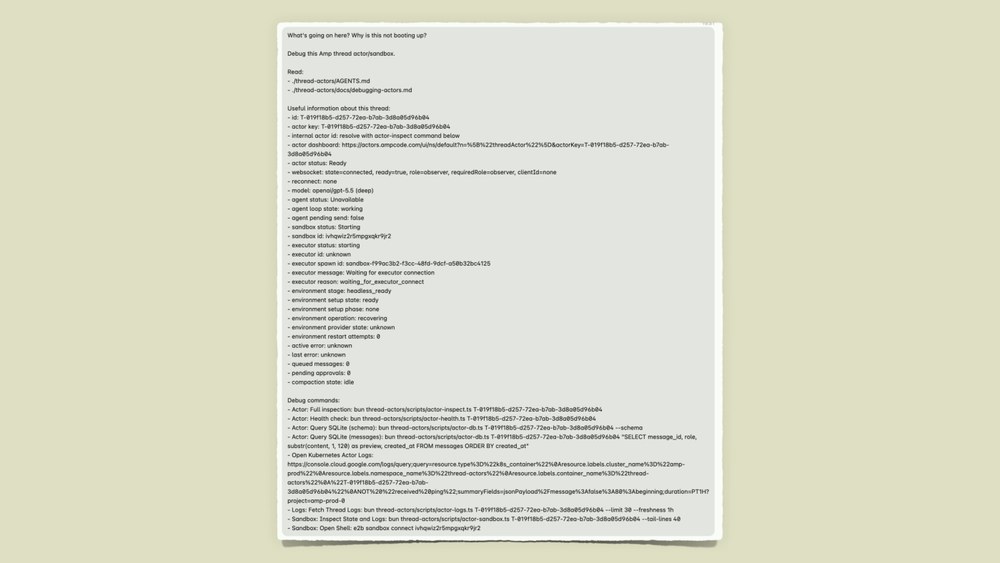
But, the funny thing about this prompt is that this is the only part that I wrote by hand.
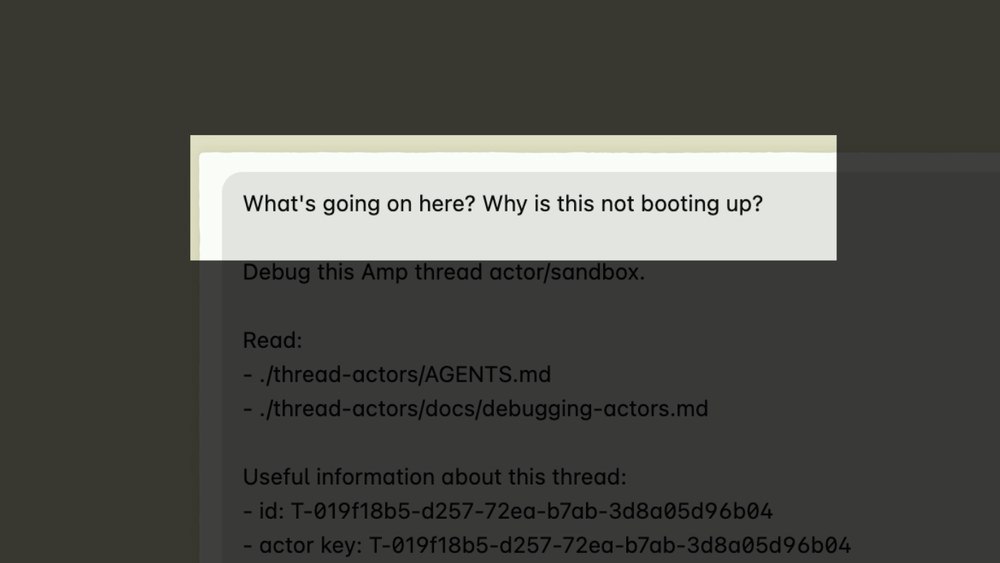
That in itself is a pretty shitty prompt. What is going on here? Why is this not booting up? Imagine, you're sitting in the room, somebody pulls a hood off your head, and you you're like, "Why is this not booting up?" You know, "This day couldn't get worse." But, the thing is the rest of the prompt defines what this is, right?
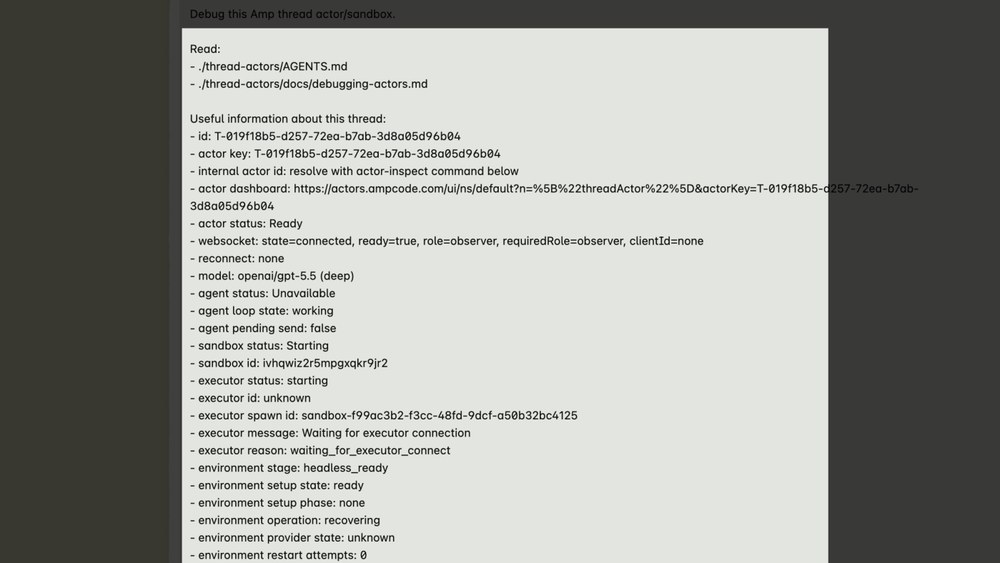
It's a bunch of points at docs. It has IDs. It has data dumps. Has a lot of information.
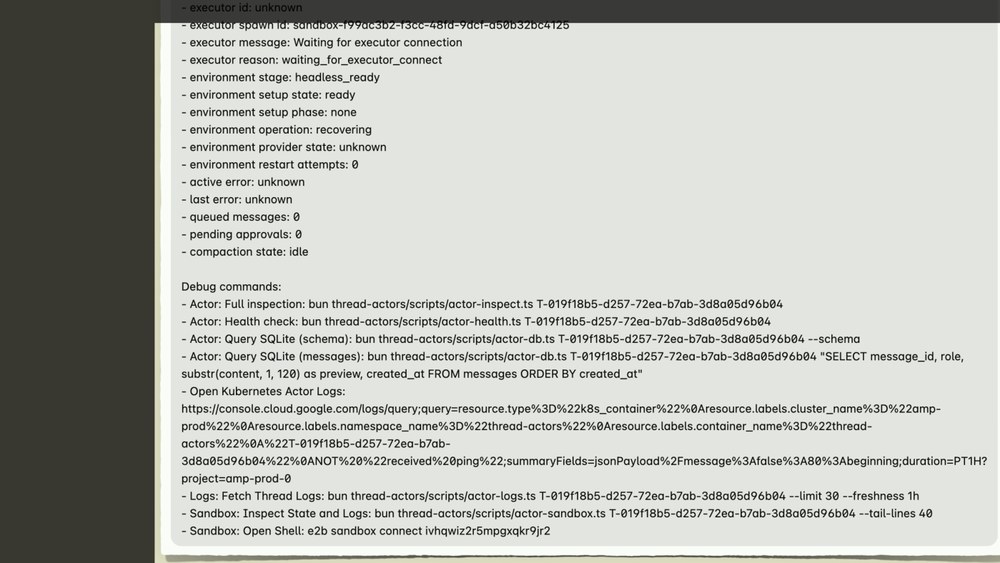
It even has down here like debug scripts, your URL where you can find more information. all of this is auto-generated. So, I didn't have to type this by hand.
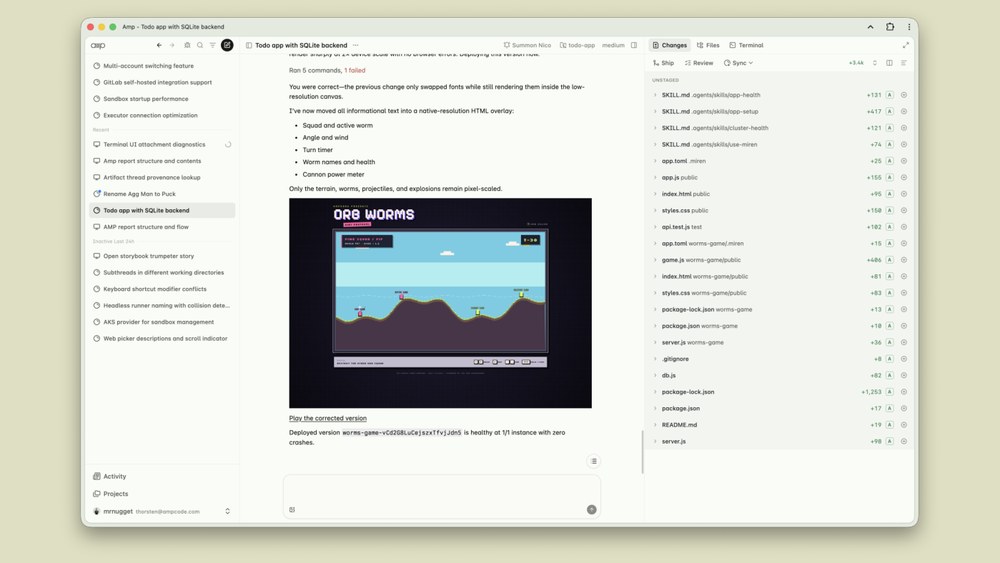
So, in Amp, if if you have a problem with your agent, in this case, say I had a problem with my Orb Worms, there's this button up here that every Amp admin or developer can press and open pops the dev sidebar.
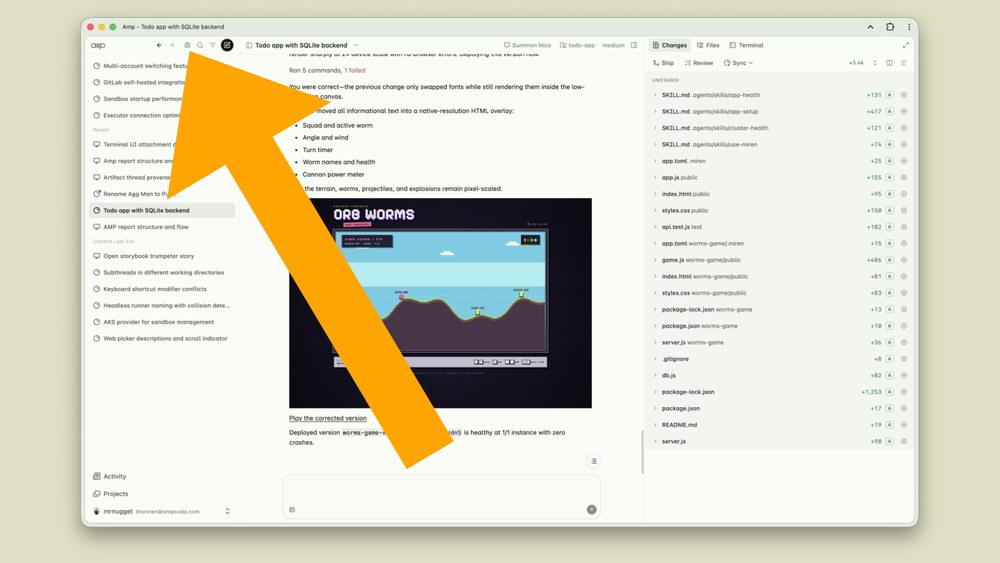
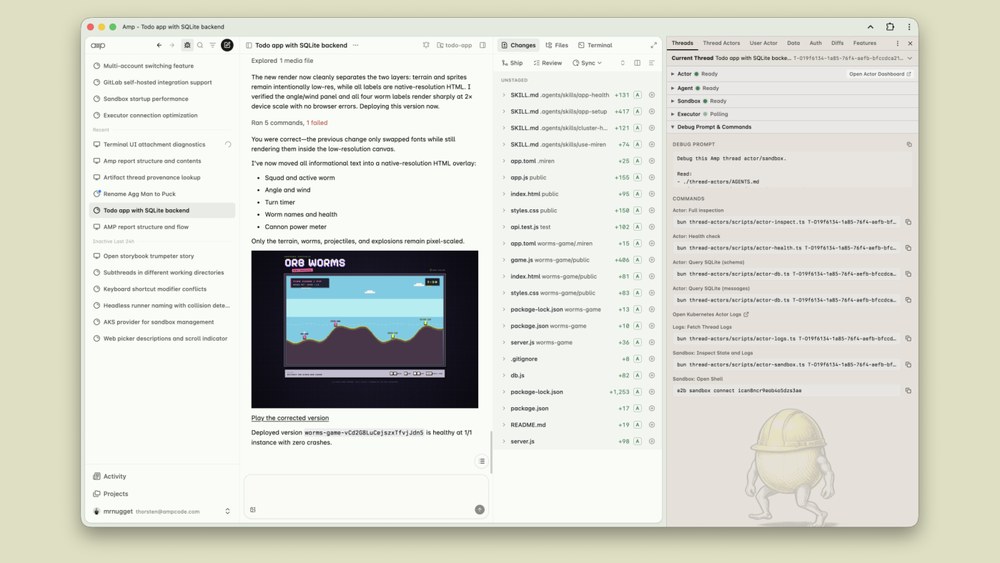
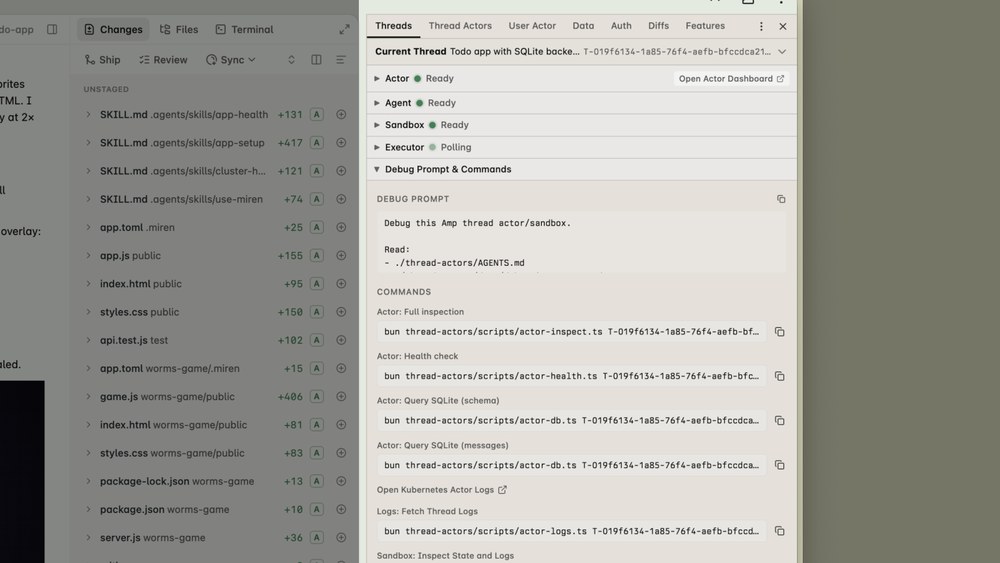
Then, when you look here, you can see that we have debug prompt and commands. So these are auto generated. It's like an information that is just markdown, it's just text. But when you debugging something, it's really easy to just copy this from production, point the agent that has read-only access to prod, and say like figure out what's wrong with this, and you don't have to do a lot of typing. It even includes like debug scripts and little commands that only the agent uses. So, that's a that's a nice trick.
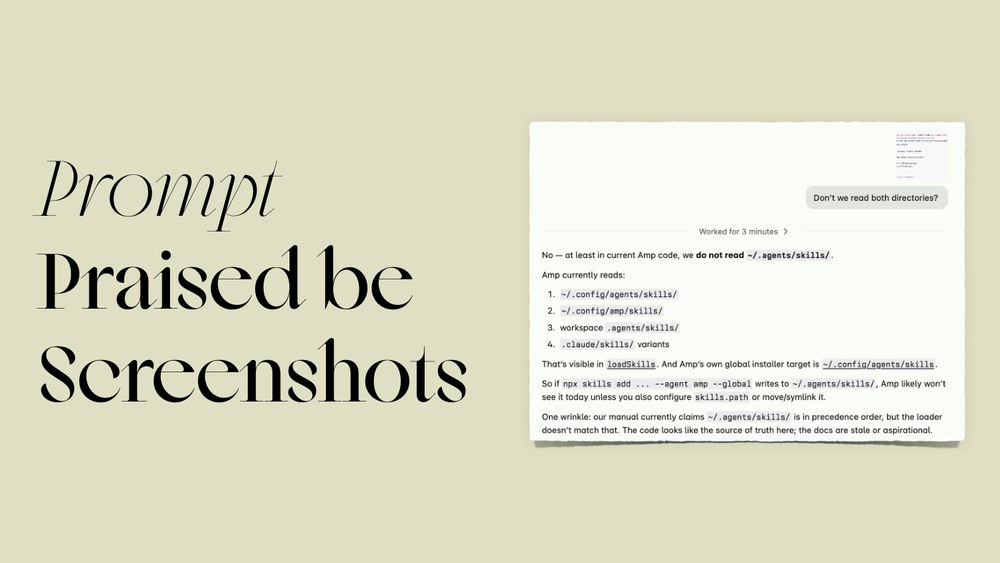
The other thing are screenshots. If you can't tell by now, I do love screenshots. Half of this talk are screenshots, I think. and they're really good source of information, obviously.
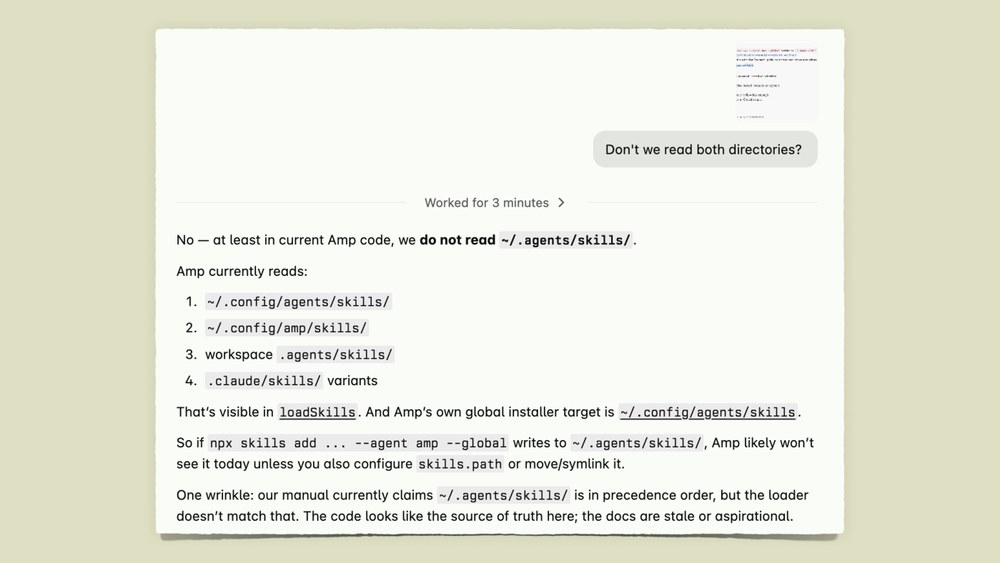
So, in this this prompt here is pretty bad, right?
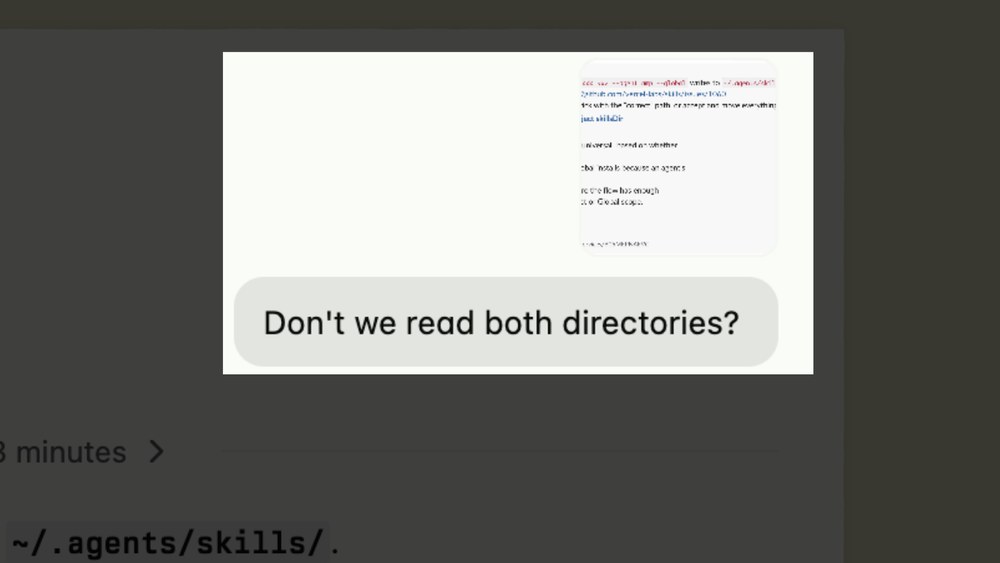
Don't we read both directories? Again, imagine yourself in a room, hood over your head, "Don't we read both?" Like, what the hell are you talking about? What directories and why? Right? But the image I attached, again, is a screenshot.
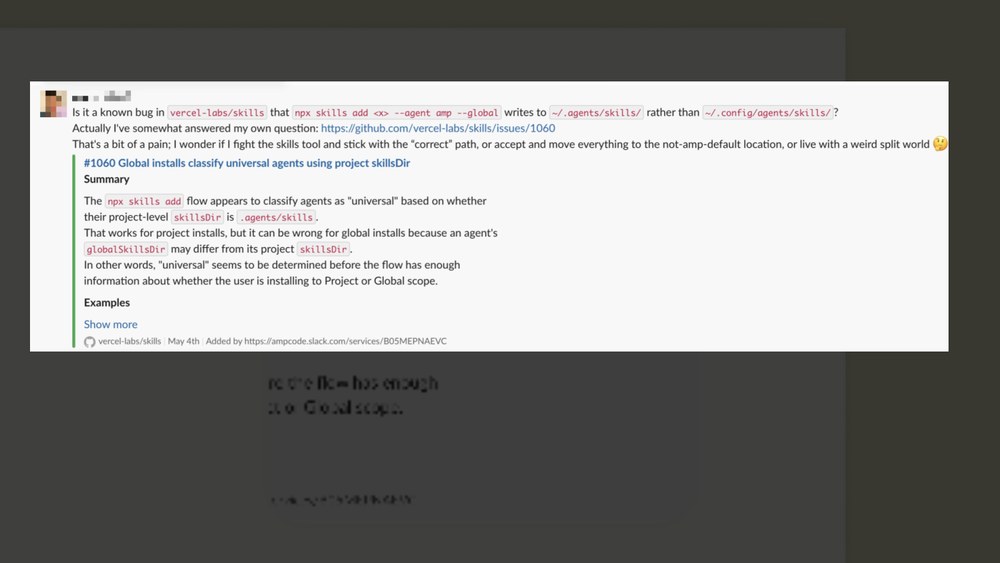
It's a screenshot of a customer question in Slack, where they ask about these two directories. Don't you read like the agent skill and the config agent skill directories. It also points to a separate GitHub issue, which again is another source of information. The agent has access to the web. So, all of the information about what both directories are is contained in the screenshot, and then the agent figures it out.
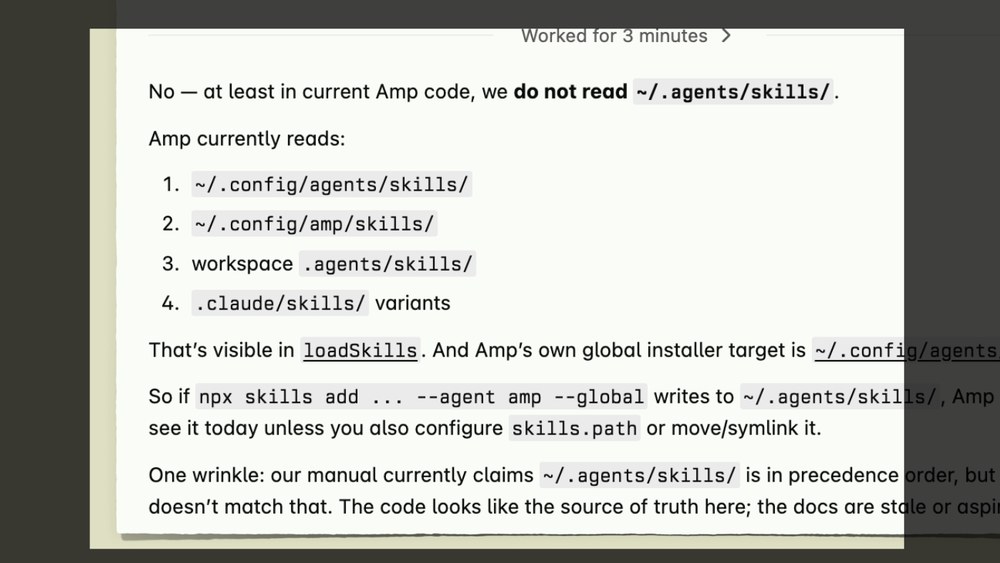
The agent knows what it is, and then after that, I can just say make it so that we read both directories. Writing this prompt took me what? Like 30 seconds? Maybe even less.

I love screenshots. They're really, really good. This I thought about making the the title of the talk and just show you prompts where I have screenshots in them, because I swear to you 90% of my prompts have screenshots in them. I'm I'm incredibly lazy, and taking screenshots is so good and throwing them in prompts.
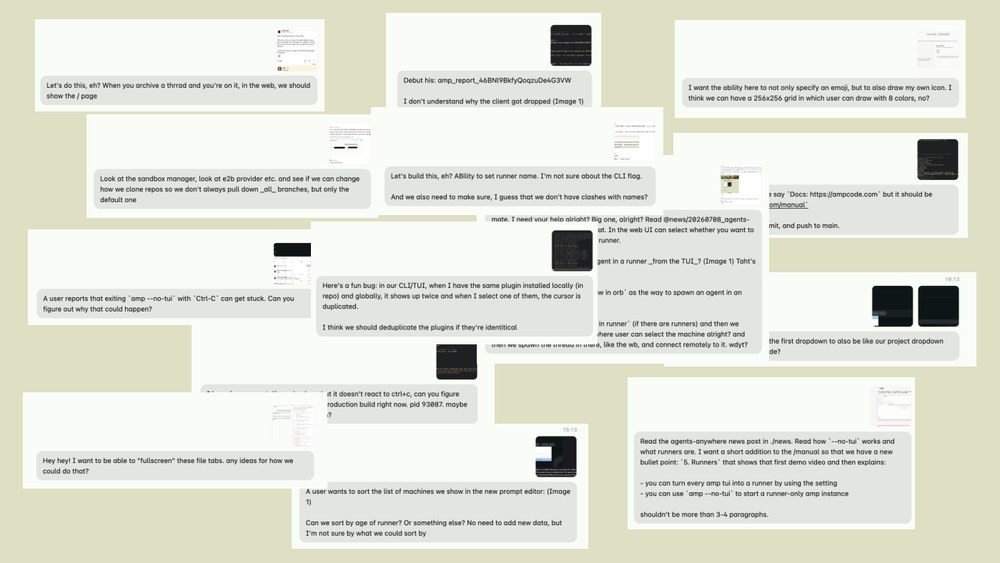
So, maybe this is the second thing you should take away from this talk. Take more screenshots.

Now, [snorts] we have another small one: Amp Reports. Again, something you can copy and do at home.
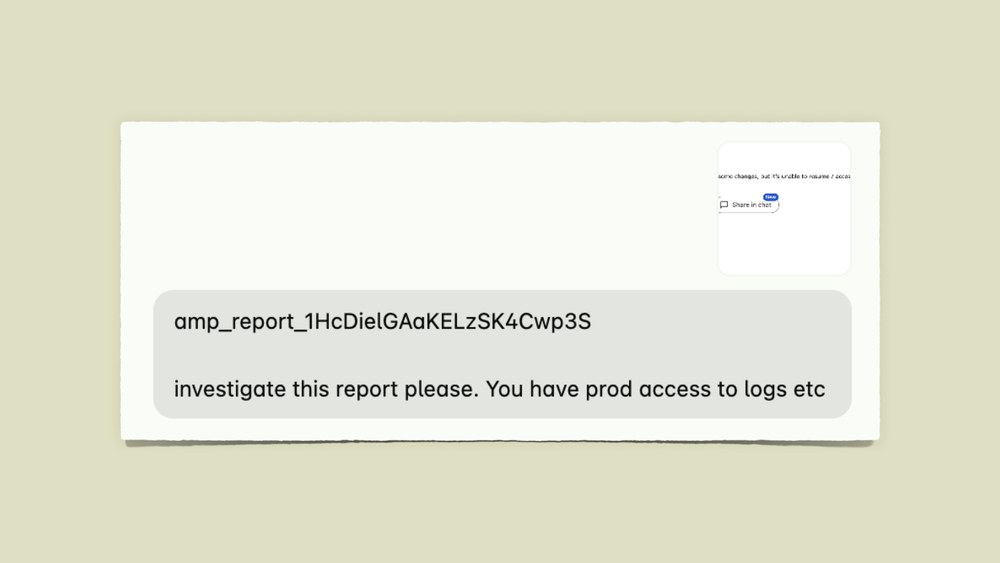
So, if you look at this prompt, investigate this report, please. You have prod access to logs. Pretty bad, right? Like pretty bad prompt. There's not a lot of information in there.
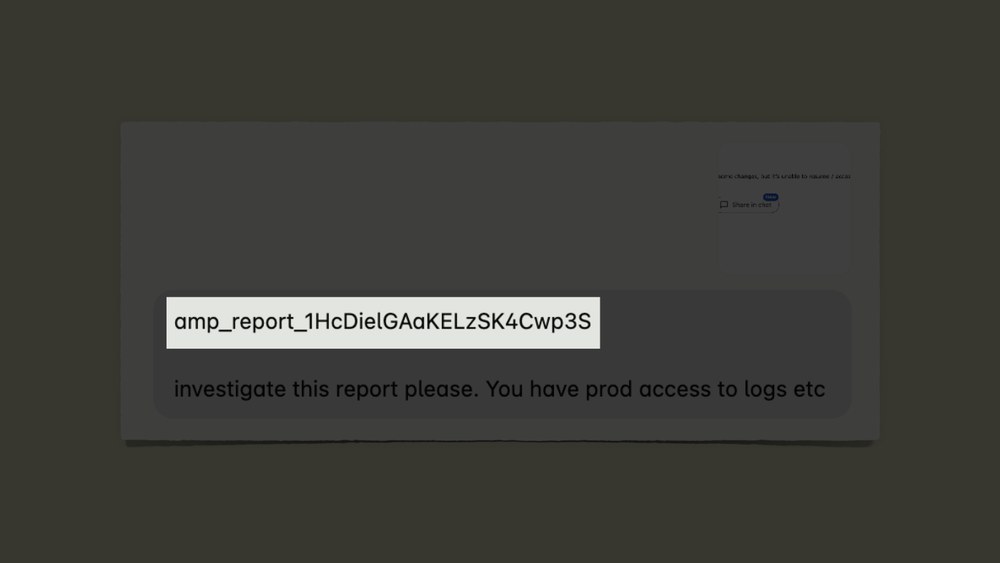
But this thing here, that's an Amp report ID. So, whenever an Amp user runs into an issue, they can hit this command in the tool we are in the web, and it generates a diagnostic report.
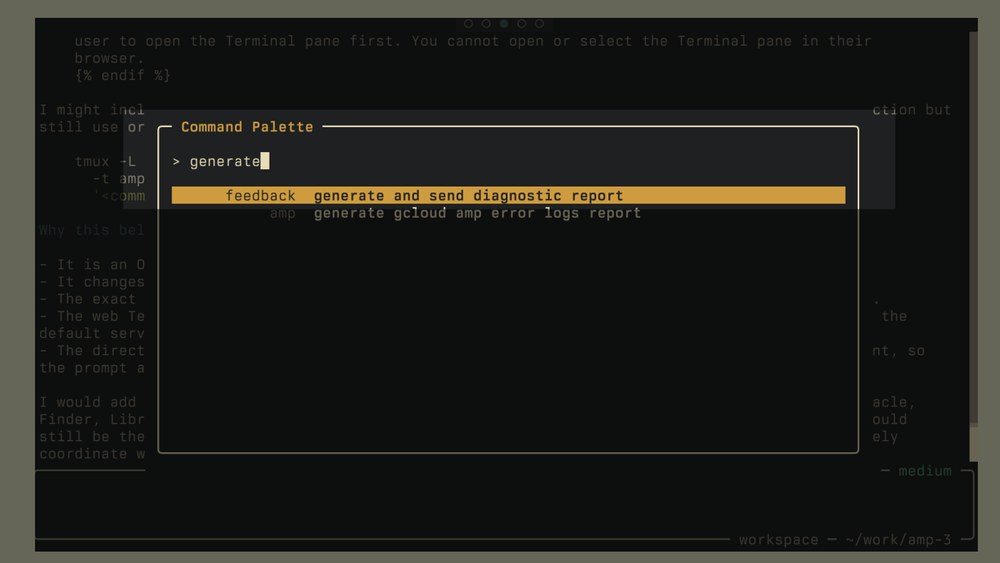
That means it compiles local debug information, debug logs, the last 500 lines of logs, and it compiles this and sends it up, securely to ampcode.com.
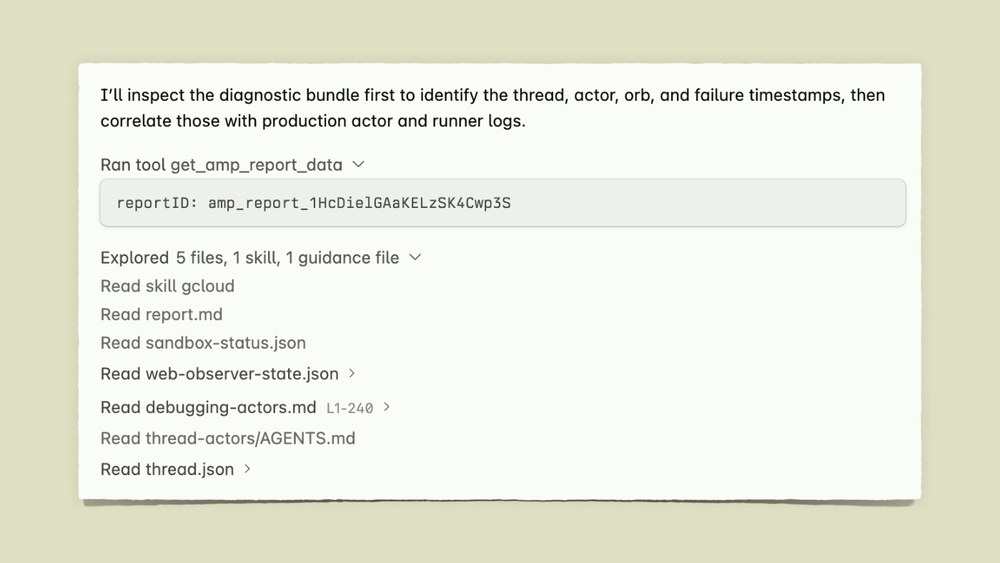
Then in our repo our Amp agent has access to this tool. Like in Amp, you can define custom tools with plugins. This is like 20 seconds it takes for an agent to generate this tool. Get Amp report data. You ask it about a report, it downloads the report and what's in the report.
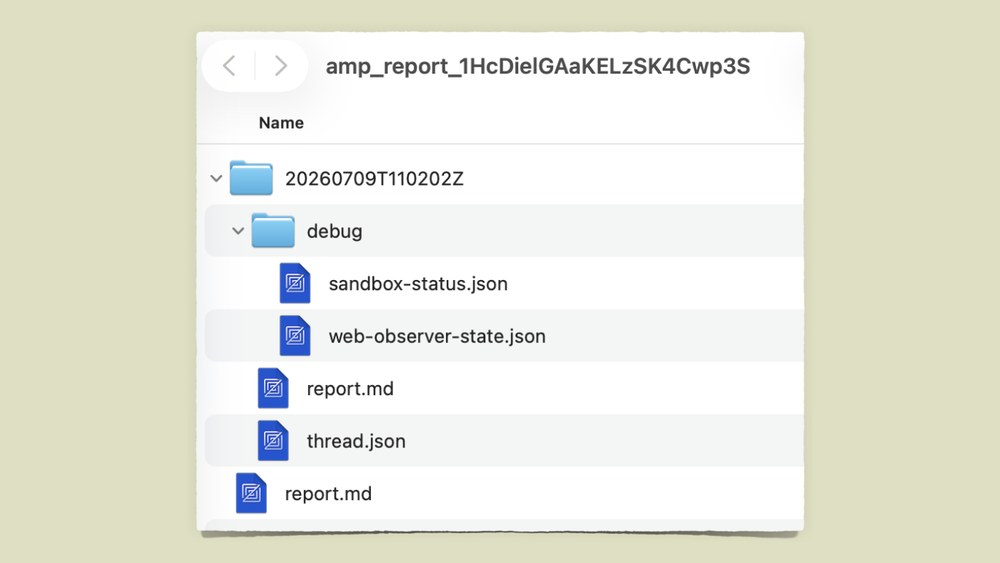
Just information. Like just debug information, debug state, production information, concatenated logs, it's all in there.
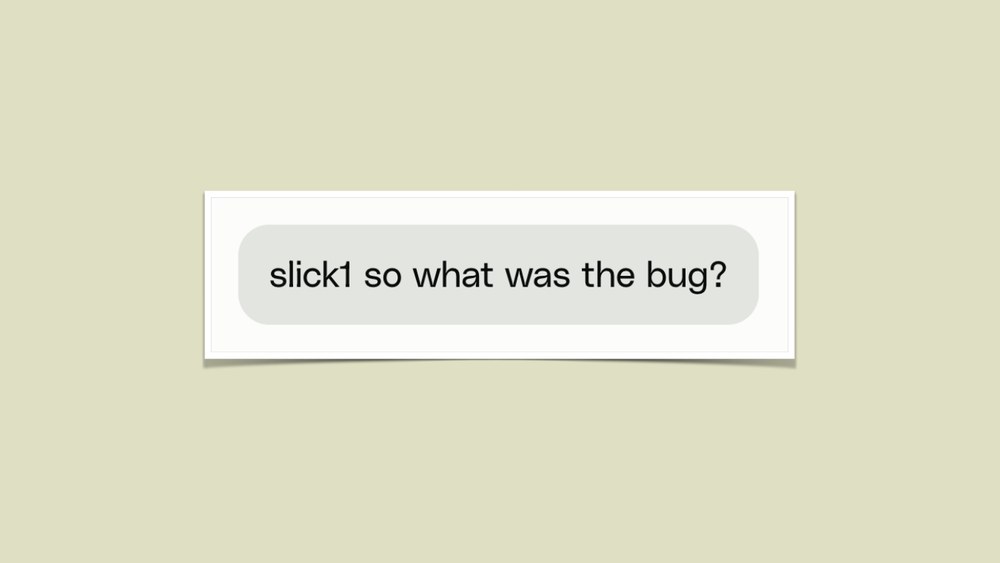
Once once it has this, all you then have to do is, ask it what the bug was because it knows how to figure it out, how to debug it.
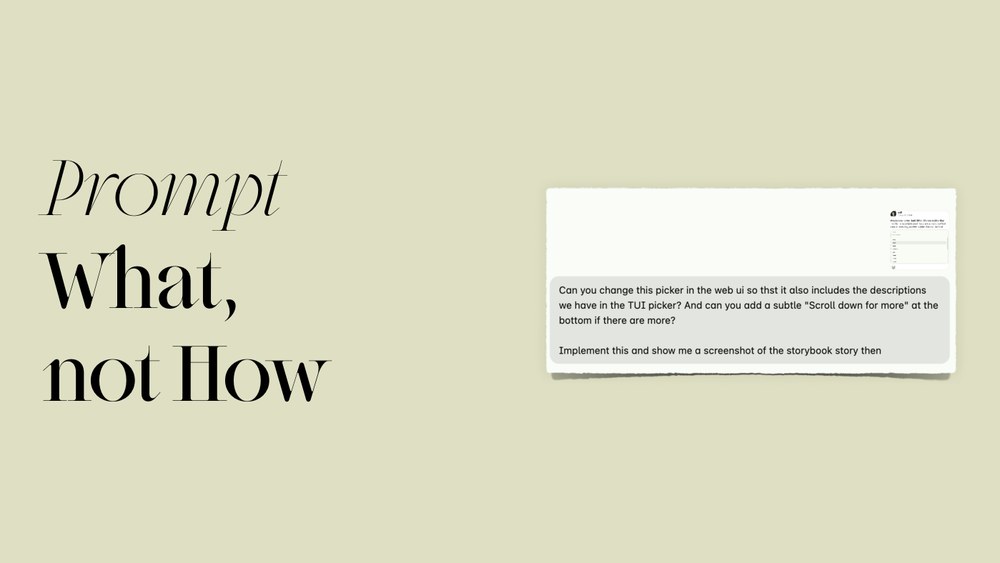
now we come up to the last prompt, and this is slightly different. This is This is my favorite way to prompt, actually. So, let's take a look at this.
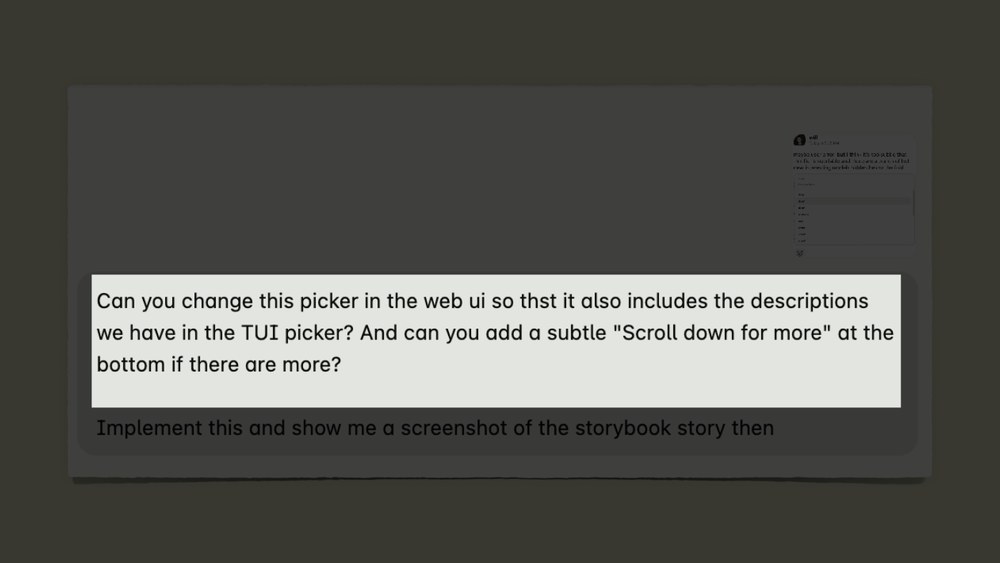
So, here I ask, "Can you change this picker in the web UI so that it includes descriptions, right? Can you add a subtle scroll down for more at the bottom?"
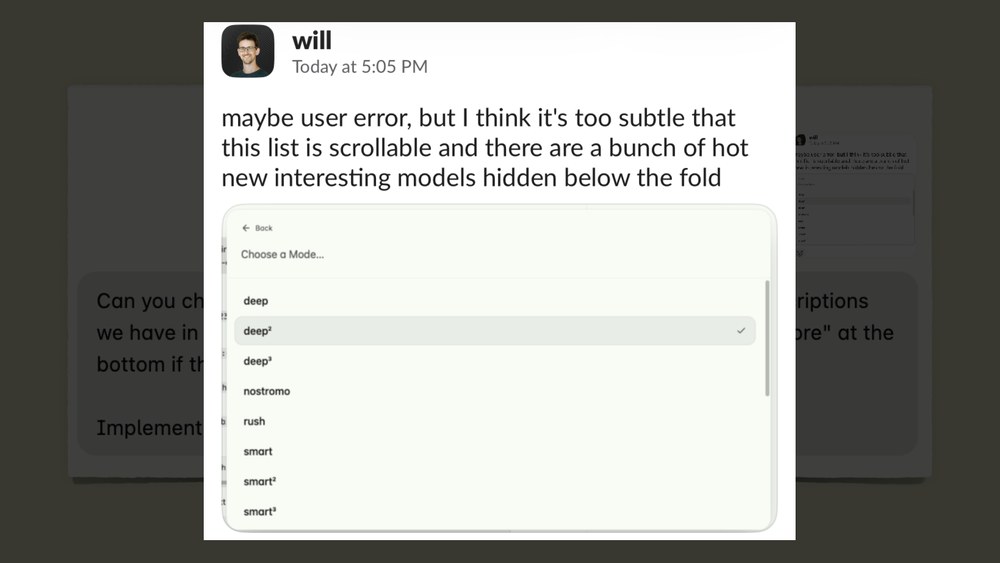
The screenshot doesn't contain much more information. This is just my colleague Will asking, "This is a bit too subtle. I don't see that I can scroll down. Can we fix this?" But I just attached it because I know the agent will be able to find a component based on the screenshot.
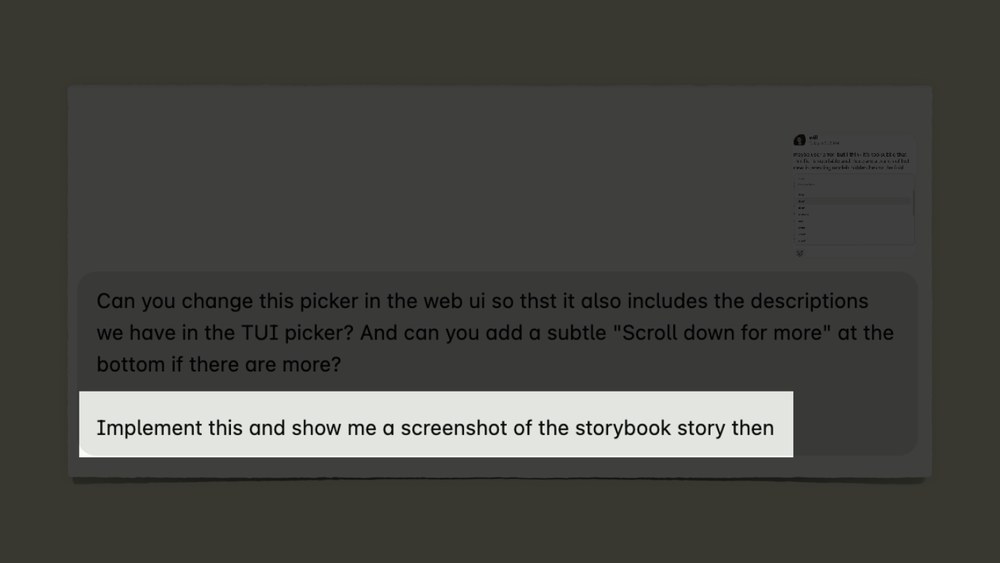
Then I say, "Implement this fix and show me a screenshot of the storybook story." So, I assume you're all familiar with storybooks. It's just a little website where you can render your UI components and see them in different states. So, I ask it to do this, and just based on this prompt, it actually did it.
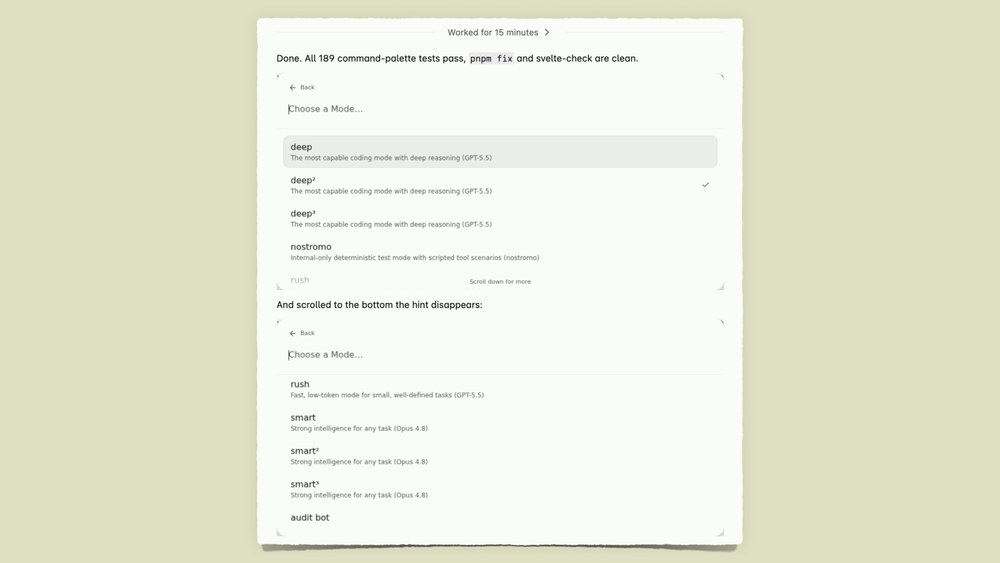
Like it worked for 15 minutes in a headless instance in Amp orbs and it produced two screenshots. It fixed the thing. That's it. Now you're wondering, wait, what what How did it know how to do this? Like how did it know how to take screenshots of the storybooks and whatnot?
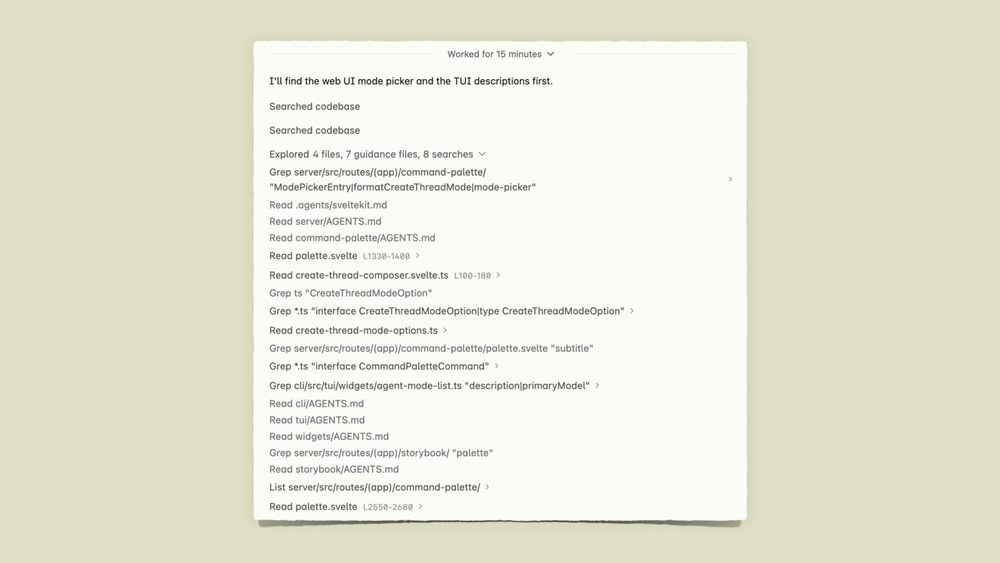
But if you look at what it did for 15 minutes, we will see that it read some files, right? Oops.
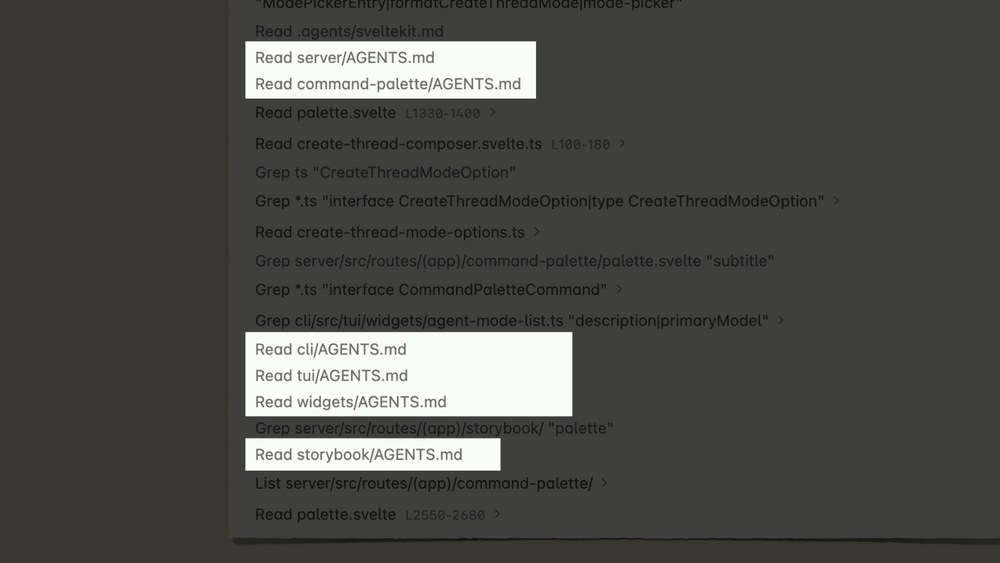
Most notably, it read these files, AGENTS.md files. So, in most coding agents, they're automatically read into context if the agent reads a sibling file of them. So, if you litter them around your codebase, you can leave like trails for the agent whenever it's in a separate directory.
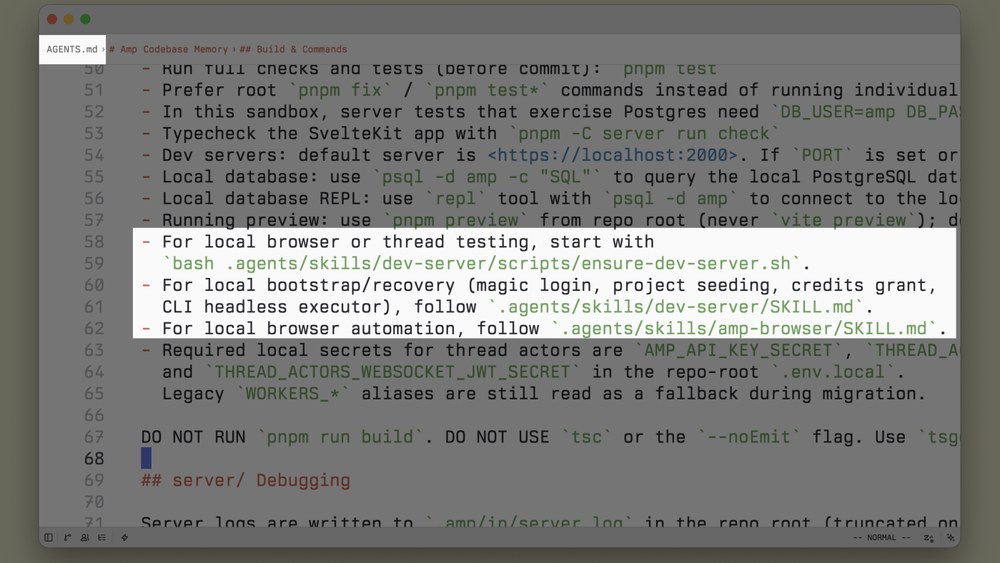
In these files, this is our root one, we define like, "Hey, if you want to start the dev server, use this command. If you use browser automation, use this. If you want to do this, use this."
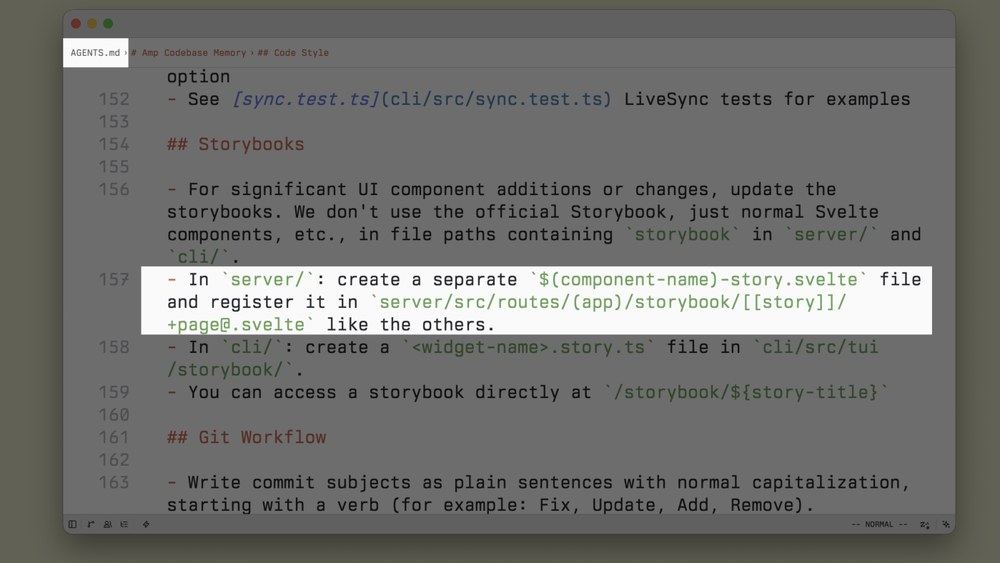
Then down here we say, "If you need to create a storybook, write it like this. This is the name of the component."
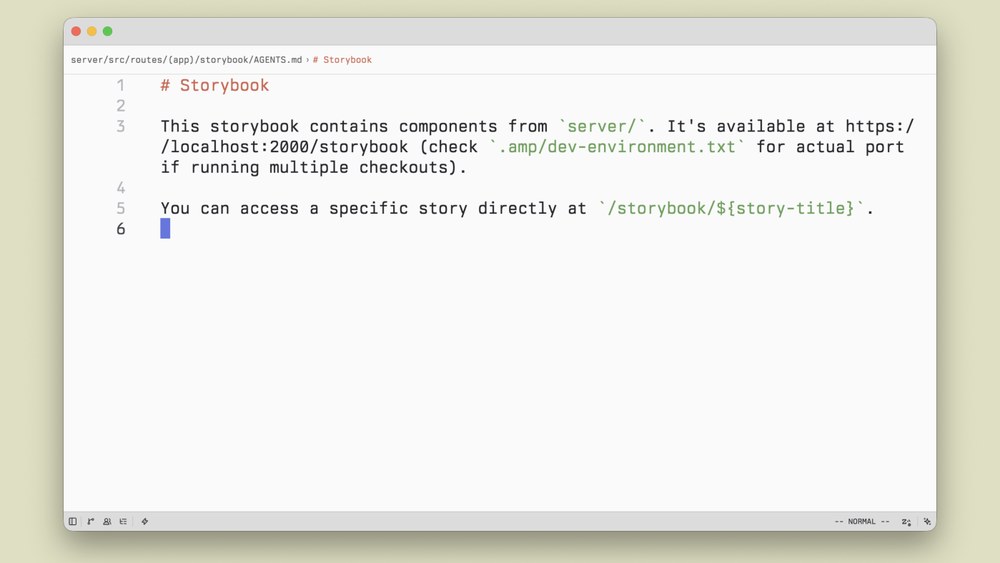
Then in the storybook folder itself, we have another AGENTS.md where we say, "This is the storybook. It runs at this URL. you can find the port here. This is how you check it." And it works. This to me is like the ultimate way to prompt.
When you start to move the how to do things out of the prompt, then it's in the codebase. So, over time, you want your codebase to contain more and more information of how an agent should treat a certain directory of how it can do things. The information is then in the codebase and it doesn't have to come from your prompt, right? So, you can save this and just say, "Take a screenshot." And the codebase will tell it how to do this. It doesn't change the fact that the information has to come from somewhere, but if you make your codebase contain it, you don't have to put it in your prompt. That makes it pretty easy to write good prompts. That's all I got.

Thank you so much.
Aaron: All right. Nicely done.
Thorsten: Thank you.
Aaron: Okay, so you said early on that 99% of the code at Amp is written by AI. So, I can almost guarantee some people in the audience heard that and said, "Well, how do you have any idea what the hell is going on?" You showed at one point, "Hey, tell me how we're doing this." And you kind of talked to it. How do you keep that, cuz I know you have one. How do you keep that mental map of the application in your head if you didn't write it by
Thorsten: I think you need to know what is load-bearing. I've used the term load-bearing before the agents started using them, by the But I didn't know what's load-bearing. Like, what's important? What are the what are the the the foundations of this code base that are unshakable? For those, when we wrote our distributed system, like the protocol between different components, like the the runtime behavior when something goes to sleep, when something wakes up, like the business logic and how it's encoded in this we didn't write by hand, but we kind of watch it like a hawk when the agent would modify it, right? We would like write down our business constraints, the domain logic in docs, had the agent check against them, review the code, right? You can review code without writing it, and just make sure that like the most important pieces are really solid, and that it's documented why they're solid, so that the next time you use an agent, it doesn't come around and change them again. But then, a lot of the code is is is not load-bearing or that important. If the more to the edges of a code base you the less you need to review. Not to offend, where's Adam? Not to offend anyone, but like I don't really care about the CSS. maybe that much. There's a certain aspect where you kind of need to figure out is this worth digging into, and I think the more you work in a code base, the the more you get that feeling. The more you trust the agent. I think the most practical thing that maybe a lot of people haven't done yet is try and giving try and give the agent a super long leash, and try and see how far you get and then maybe undo the changes or see what you need to change. Do you need to document more? Why did it do the thing? I think you develop an intuition for where it works and where it doesn't work.
Aaron: Incredible answer. Y'all give it up for